Key Takeaways
Choosing an IPTV plan is easier when you start with your actual viewing habits rather than a headline channel count.
- List the channels, sports, news, and on-demand content you genuinely use.
- Confirm that the service works on every device and supports the number of viewers in your home.
- Compare picture quality, stability, internet requirements, and trial access before paying long term.
- Read the complete price, renewal, refund, and cancellation terms.
- Check content rights, privacy practices, support quality, and regional availability.
Define what you need from an IPTV plan
The right IPTV plan should fit the way your household watches television. Before comparing providers, think about the channels you watch most, the devices you already own, and how many people may stream at the same time. A little preparation prevents you from paying for an impressive package that does not suit your routine.
Identify your preferred live channels and content
Start with a short list of must-have channels instead of browsing enormous numbers. Include local stations, national networks, international programming, sports, news, movies, and any on-demand categories you use regularly. The best plan for you is the one that covers your priorities consistently, not necessarily the one with the longest advertised lineup.
It can help to divide your list into essentials and nice-to-have options. Also check whether you prefer live viewing, catch-up access, or a video-on-demand library. A viewing habits guide offers a useful way to organize those preferences before comparing services.
Decide how many people will use the service
A single viewer who watches one television has different needs from a household with several screens. Count the people who may watch independently, including anyone using a phone or computer while another person is watching the television. Then check whether the plan permits simultaneous streams or simply allows installation on several devices.
Do not assume that “multi-device” means “multi-screen.” Those terms can describe different limits, and the difference matters during busy evenings or live events. Write down the maximum number of active connections you need before looking at annual discounts.
Check compatibility with your devices
Make an inventory of your actual equipment: smart TV, streaming stick, set-top box, phone, tablet, or computer. A service may work well in a browser but offer a weaker experience on a television, or require a compatible player that you do not already have. Confirm supported operating systems and whether setup instructions are clear.
Compatibility also includes practical details such as remote-control navigation, app availability, and account activation. If you plan to replace a device soon, check whether the service supports the likely replacement rather than only your current setup.
Set a realistic monthly budget
Set a ceiling based on how often you watch and what you would otherwise spend on television services. Include the cost of extra devices, possible setup, taxes, and any add-ons. A low monthly figure is not useful if the lineup misses your essential channels or the service is difficult to cancel.
Your budget should leave room for reliability, support, and picture quality. Value matters more than volume when a smaller, dependable package serves your household better than a huge but inconsistent catalog.
Compare IPTV plan channel lineups
Channel comparison takes more care than reading a large number on a sales page. Look for the exact networks and content categories you want, then check how location affects access. A lineup can look broad while still missing a local station, a regional sports feed, or the language programming that matters to your family.
The useful question is not “How many channels are included?” but “What will I actually watch, and how reliably will it be available?”
Review local, national, and international channels
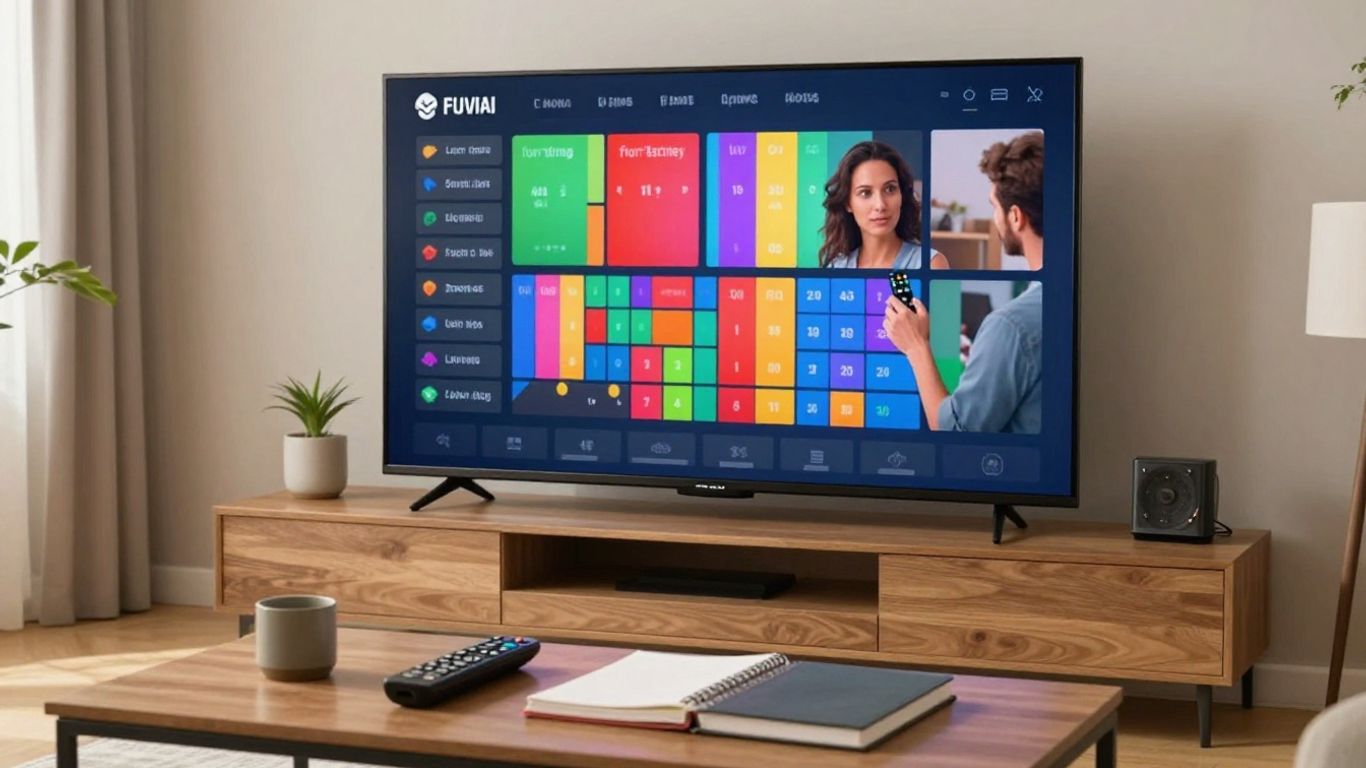
Separate the lineup into local, national, and international groups. Local availability can depend on licensing and location, while international content may be organized by country, language, or region. Ask whether channels are included in the advertised price or placed behind a separate package.
If local news and regional programming are essential, verify them by name before subscribing. Broad labels such as “US channels” or “international channels” are not enough to confirm specific access.
Look for sports, news, movies, and on-demand content
Consider how the plan performs across the categories you use most. Sports viewers may need particular leagues or event channels, while movie viewers may care more about a current on-demand library. News viewers should check whether the service includes the networks and regional feeds they follow.
Make a simple comparison rather than relying on promotional language. Note the live channels, on-demand titles, program guide, and any catch-up features you can verify. This channel lineup comparison can help you keep the evaluation focused on content relevance.
Distinguish advertised channels from regularly available channels
A provider may advertise a large catalog, but channel lists can change. Before committing, ask how often the lineup is updated and whether temporary outages are communicated. If a service offers a trial, use it to test the channels you actually watch at different times of day.
Pay attention to the electronic program guide as well. An accurate guide makes a large lineup usable; an incomplete or outdated one can turn channel browsing into guesswork. The practical test is whether you can find and play your priority content without repeated searching.
Check whether regional restrictions apply
Content rights often vary by country, state, or event. A channel that appears in a general list may not be available in your location, or a sports broadcast may be restricted during a particular event. Ask the provider for clear information about regional availability before payment.
Do not treat a VPN as a substitute for content authorization. A legitimate plan should explain where its programming is available and what restrictions apply, rather than leaving you to infer the rules.
Evaluate streaming quality and reliability
Picture quality depends on more than a label such as HD or 4K. Your internet connection, home network, device, source stream, and the provider’s service stability all affect playback. Test the experience under ordinary conditions, especially if you watch live sports or other time-sensitive programming.
A polished plan should also communicate what quality levels are included and how support handles playback problems. This is where a trial can reveal more than a feature list.
Compare HD, Full HD, and 4K availability
Check which channels and on-demand titles are available in HD, Full HD, or 4K rather than assuming the highest label applies everywhere. Your television must support the resolution, and the stream must be delivered at that quality. For many viewers, stable HD may be preferable to intermittent higher resolution.
Ask whether quality varies by channel, device, or content type. A clear explanation is more useful than a general promise of premium picture quality.
Understand the importance of internet speed
Streaming uses a continuing connection, so speed and consistency both matter. Other people using the network, weak Wi-Fi, congestion, and background downloads can affect playback even when a speed test looks acceptable. If possible, test the device in the room where you watch most often.
Wired connections can help fixed television setups, while a well-positioned router may improve wireless performance. Leave some capacity for other household activity instead of planning around the minimum possible connection.
Look for uptime, buffering protection, and service stability
Look beyond peak quality and ask how the provider approaches interruptions. Terms such as uptime, anti-freeze technology, and buffering protection should be explained in practical language. IPTVON.ME positions its service around high-quality streaming and highlights anti-freeze technology, so those are relevant points to ask about when assessing fit.
A useful test includes several channels, different times of day, and a few minutes of continuous playback. Record whether streams start promptly, recover after a network interruption, and remain watchable during busy periods.
Check whether trial access is available
A trial lets you assess real-world compatibility before making a longer commitment. Use it to test your most important channels, the devices you share at home, the program guide, and playback during your usual viewing hours. Read the trial terms carefully, including whether it converts automatically into a paid subscription.
Do not judge a service from a single five-minute test. A short period across several days gives you a better sense of consistency and support responsiveness.
Examine device support and user experience
An IPTV plan is only as convenient as the devices and apps you use to access it. A service can offer a broad catalog but still feel frustrating if navigation is slow, setup is unclear, or the app is poorly suited to a television remote. Test the complete path from installation to finding a program and starting playback.
Keep a note of any device limits, account requirements, and extra software. Those details can affect the total cost and the daily experience.
Confirm support for smart TVs and streaming devices
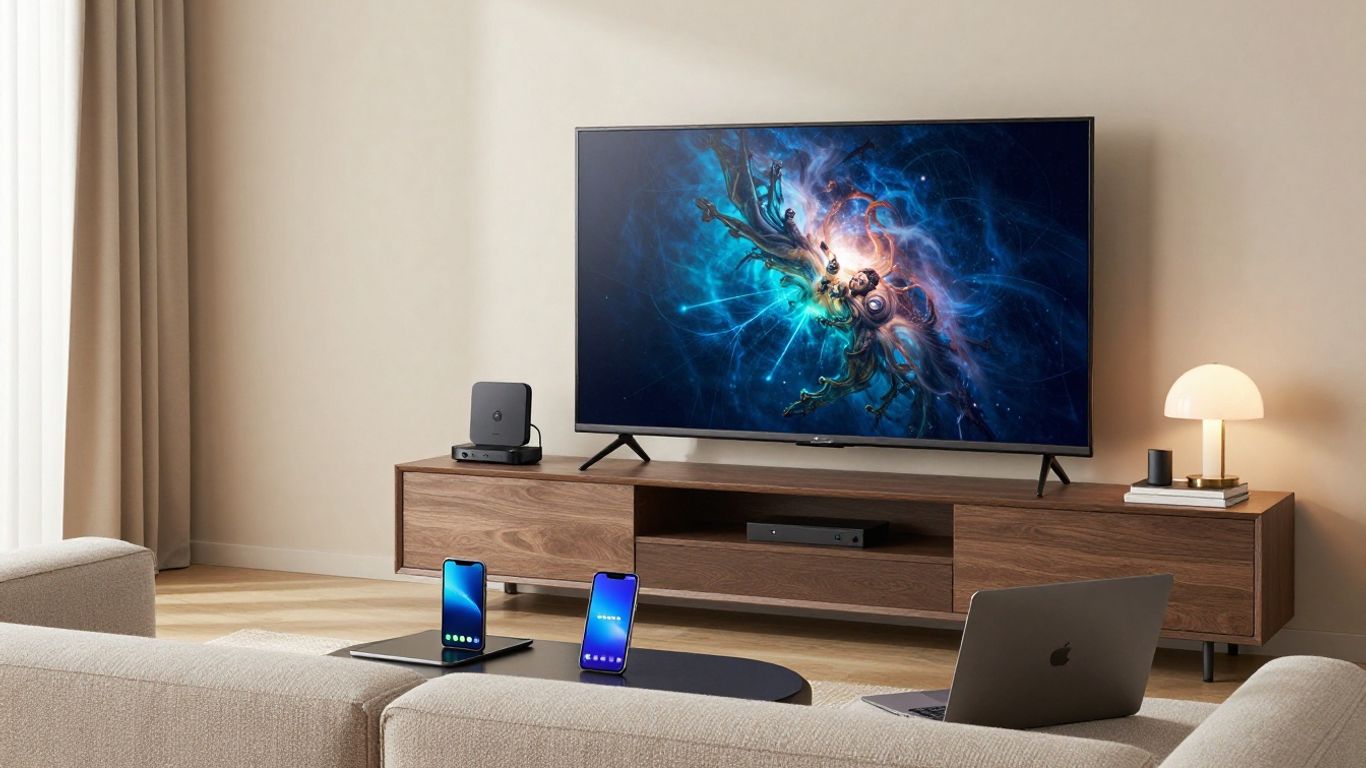
Check the exact smart TV platform or streaming device model, not just the general device category. Some services support a native app, while others require a compatible player or a separate setup process. Confirm whether the installation instructions are current and whether the same account can be used across supported equipment.
If your television is older, ask whether its operating system is supported. A plan that works on a new streaming stick may not work directly on an older smart TV.
Check mobile, tablet, and computer compatibility
Mobile and computer access can be useful when the main television is occupied. Verify support for the operating systems you use and check whether the browser experience has the same channel and on-demand access as the television app. Also consider how easily you can sign in, search, and resume viewing.
If you travel, review location rules before assuming that access will work everywhere. Device compatibility and geographic availability are separate questions, and both need clear answers.
Review app design, search tools, and electronic program guides
Good navigation reduces the friction of a large catalog. Look for sensible categories, responsive search, favorites, recently watched programs, and an electronic program guide that matches the actual schedule. A clean interface is especially valuable for anyone who does not want to scroll through hundreds of entries.
Try searching for a specific channel and program during a trial. If the result is hard to identify or the guide is inaccurate, the same problem will probably recur after purchase.
Understand simultaneous stream limits
Read the connection policy carefully. Some plans permit multiple registered devices but limit active streams, while others charge more for additional connections. Match the limit to your household’s likely peak use rather than the number of devices sitting in your home.
It is also worth checking whether simultaneous streams must share the same location or network. Clear terms here can prevent account interruptions and unexpected upgrades.
Analyze IPTV plan pricing and contract terms
Price comparison should include the full cost over the period you expect to use the service. Monthly billing offers flexibility, while quarterly or annual plans may reduce the effective monthly rate but increase your commitment. Neither is automatically better; the right choice depends on how confident you are in the service.
Compare plans on equal terms, including streams, quality, content access, support, and cancellation rights. A true IPTV cost guide is useful when the headline price does not tell the whole story.
Compare monthly, quarterly, and annual billing
Monthly plans are usually easier to leave if the service does not meet expectations. Longer billing periods can make sense after you have tested the lineup and reliability, but they tie up more money in advance. Calculate the effective monthly amount and confirm whether the advertised discount applies only to the first term.
Avoid choosing an annual plan solely because the monthly equivalent looks attractive. First establish that the provider meets your essential needs and has clear renewal terms.
Check for setup fees, renewals, and hidden charges
Look for activation costs, equipment charges, additional connection fees, taxes, and automatic renewal language. The checkout page should match the price shown earlier in the process. Save a copy of the terms and the final receipt so you can compare future charges.
Ask when renewal happens and how the price may change. A transparent provider should not make you search through several pages to find those details.
Review refund and cancellation policies
A refund policy should state the eligibility period, exclusions, and steps required to request money back. Cancellation terms should explain whether access ends immediately or continues through the paid period. Also check whether a trial requires cancellation before a specific deadline.
Do not rely on a vague “satisfaction guaranteed” phrase. Read the actual conditions before paying, especially when selecting a longer billing cycle.
Weigh low-cost plans against service quality
A low price can be appealing, but it should be evaluated alongside content rights, stability, support, and usable device access. The cheapest plan may become expensive if it requires replacement hardware, frequent troubleshooting, or an early switch to another service.
A sensible comparison asks what you receive for the total cost. If two plans appear similar, favor the one with clearer terms and a more credible support process.
Verify legality, privacy, and customer support
IPTV technology itself is a way of delivering television over the internet; legality depends on whether the provider is authorized to distribute the programming it offers. This final review protects both your viewing experience and your payment information. Check the provider’s identity, rights information, terms, privacy policy, and support options before subscribing.
For a broader rights-and-transparency checklist, see this legal IPTV provider guide. It reinforces a simple principle: clear information is a trust signal, not a minor detail.
Confirm that the provider has appropriate content rights
Ask how the provider obtains the rights to distribute its live channels and on-demand content in your location. A responsible service should be able to explain its offering without asking you to ignore licensing questions. Regional restrictions should be stated plainly rather than hidden behind a universal promise.
Be cautious when a plan claims to include virtually everything at an implausibly low price. A large catalog alone does not establish authorization.
Look for secure payment and account practices
Use a payment page with clear security information and review how account data is handled. Look for a privacy policy, identifiable business details, and sensible password practices. Avoid sending payment information through informal messages or using a payment method you cannot trace or dispute.
After subscribing, keep your login details private and use a unique password where possible. Good account hygiene remains useful even when the provider appears legitimate.
Evaluate customer support channels and response times
Support should be reachable through clearly identified channels, with stated hours or response expectations. Before purchase, send a simple question about device compatibility or regional access and observe how clearly it is answered. A fast response is helpful, but an accurate and complete one matters more.
IPTVON.ME emphasizes robust customer support, and its positioning includes 24/7 support and a 7-day money-back guarantee. Treat those as terms to confirm on the current offer before subscribing, just as you would with any provider’s advertised policy.
Recognize warning signs of unreliable IPTV services
Several warning signs deserve attention before you enter payment details. They do not prove a service is unauthorized by themselves, but they make further verification worthwhile:
- No identifiable business information or clear terms of service.
- Huge channel promises with no explanation of rights or regional access.
- Pressure to pay immediately through unusual or untraceable methods.
- No usable refund, cancellation, privacy, or customer-support information.
These signs are most concerning when they appear together. Slow down, ask direct questions, and choose transparency over a dramatic offer.
Conclusion
The right IPTV plan balances the channels you actually watch with dependable playback, compatible devices, fair pricing, and clear legal and privacy practices. Compare the complete service rather than one headline feature, test it when possible, and read every important term before committing. A careful choice is usually less about finding the biggest package and more about finding a trustworthy fit for your household.
Frequently Asked Questions
What is IPTV?
IPTV delivers television channels and on-demand video through an internet connection rather than a traditional broadcast, satellite, or cable connection. The provider’s rights, content, quality, and terms vary, so the technology alone does not determine whether a service is legitimate.
How many internet streams does an IPTV plan need?
That depends on how many people may watch independently at the same time. Count likely simultaneous viewers, then check whether the plan limits active streams separately from the number of registered devices.
Is 4K always better than HD for IPTV?
Not necessarily. 4K can look sharper on a compatible television, but it requires suitable content, hardware, and network capacity. Stable HD may provide a better everyday experience than a higher-resolution stream that buffers.
Should I choose monthly or annual IPTV billing?
Monthly billing offers more flexibility while you evaluate a service. Annual billing may reduce the effective monthly cost, but it makes more sense after you have tested the lineup, reliability, devices, support, and cancellation terms.
Why do IPTV streams buffer?
Buffering can result from an inconsistent internet connection, crowded Wi-Fi, network congestion, device limitations, or problems on the provider’s side. Testing at different times and on more than one device can help identify the cause.
How can I check whether an IPTV service is legal?
Look for clear provider identification, transparent terms, privacy information, regional availability, and an explanation of content rights. Be cautious about unusually large lineups, extremely low prices, anonymous operators, and pressure to use unusual payment methods.
What should I test during an IPTV trial?
Test your essential channels, on-demand content, program guide, picture quality, playback stability, supported devices, simultaneous use, and customer support. Try the service during your normal viewing times rather than relying on one brief session.