Key Takeaways
Transitioning to a modern streaming setup involves careful planning and evaluation of technical capabilities. These fundamental points ensure your journey from cable to internet-based television is smooth and sustainable.
- Prioritize providers that maintain a documented high uptime to avoid frequent service disruptions.
- Verify that your hardware and ISP bandwidth can handle the demands of high-definition streaming.
- Look for services that include 24/7 technical support and transparent trial periods.
- Ensure the provider offers a wide array of international and sports content to meet your viewing habits.
- Always use security tools like VPNs to protect your connection while browsing and streaming.
Understanding how IPTV technology delivers content
Modern television consumption has shifted from traditional broadcast cables to internet protocol delivery. This transition allows for greater flexibility in how we receive media, moving away from rigid physical infrastructure toward dynamic digital streams. Understanding this shift helps users make better decisions when moving to IPTVON for their home entertainment needs.
How internet protocol television differs from traditional cable
Traditional cable relies on fixed satellite or coaxial lines that deliver a broadcast signal common to every home in your neighborhood. In contrast, this technology transmits video packets directly through your home broadband connection. This creates a specific, individualized stream that is only sent to your device when you request it, rather than pushing a blanket signal continuously.
Managing latency and buffering issues during live events
Live events often test the limits of your internet connection because thousands of viewers attempt to access the same stream simultaneously. Latency occurs when your player struggles to keep up with the incoming data packets at a consistent speed. Effective solutions include hardwiring your television to the router instead of using Wi-Fi to keep the signal path as clean as possible.
The role of content distribution networks in stream delivery
Content distribution networks allow providers to push media to smaller, regional servers closer to your physical location. By hosting data near the end user, these networks significantly reduce the physical travel time for each packet of information. This architecture minimizes the chance of delays, ensuring that the media you receive is both high quality and delivered on time.
Evaluating stream quality and resolution options
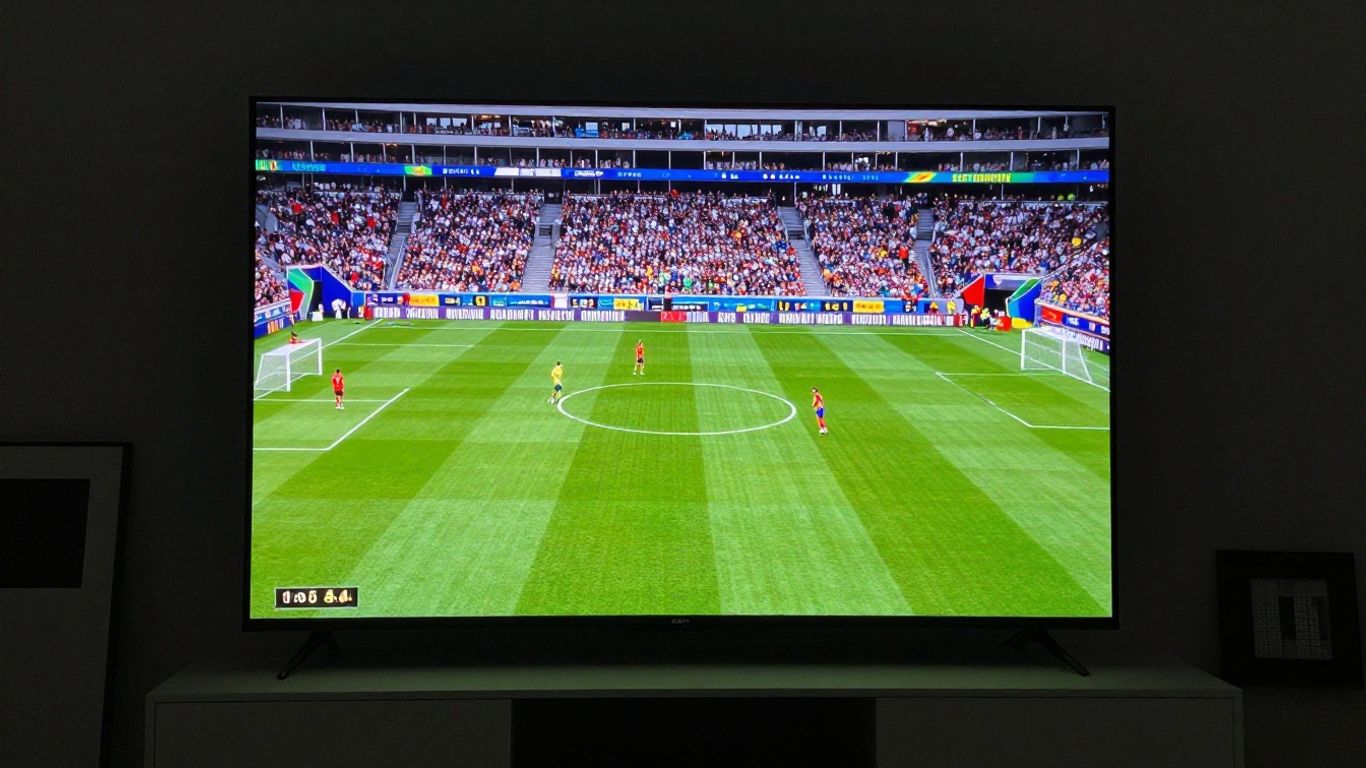
Viewing quality is perhaps the most visible indicator of a provider’s infrastructure capability. When you invest in a plan, you expect a consistent visual performance that doesn’t fluctuate depending on external traffic. Identifying a service that treats quality as a core feature rather than an afterthought is essential for maintaining a premium experience.
Comparing 1080p versus 4K streaming capabilities
Most current services offer 1080p as the standard for high definition, which looks clear on most medium-sized screens. If you use a larger television, 4K becomes the preferred choice to ensure sharp details. The primary difference lies in the bitrate; 4K requires a significantly larger amount of data per second to maintain the same level of clarity as its FHD counterpart.
Why consistent frame rates matter for sports broadcasts
Fast-paced action, such as European football or dynamic motor racing, requires a smooth frame rate to prevent the image from feeling like a blur. When the frame rate drops, motion processing becomes choppy and physically uncomfortable to watch. Ensuring that your chosen provider transmits at a stable 50 or 60 frames per second is vital for sports enthusiasts.
Managing bandwidth requirements for high-definition playback
High-definition streaming is data-heavy, placing a specific burden on your home network. You need a stable speed of at least 25 Mbps for steady 4K, though having a buffer of extra bandwidth is always advised to prevent issues. Checking the throughput of your connection ensures you are not limited by the speed of your local ISP.
Analyzing channel variety and content libraries
Content catalogs vary widely between providers, and checking the specifics before joining is necessary. You deserve a consistent experience with enough variety to keep your schedule filled with interesting shows and events. Reviewing the available categories early on helps you determine if the service matches your lifestyle.
Prioritizing live sports and international network coverage
Sports fans often seek specific channels that are not available through common cable bundles. If you follow global leagues, you must ensure your provider carries those specific regional feeds. A robust list of international networks ensures you can watch global events without relying on local terrestrial signals.
Assessing the depth of on-demand movie and series catalogs
Beyond what is showing live, a large video-on-demand library serves as a catch-all for when nothing is airing in real time. We have found that the most useful libraries include a mix of classic cinema and modern television episodes. Having a categorized index allows viewers to find content quickly according to their preferences:
- Global News Networks covering 24/7 updates.
- Primary Sports Channels for every major league game.
- Verified Family Entertainment across multiple genres.
- Extensive movie collections updated weekly by the provider.
Checking for native language broadcast support options
Not everyone consumes media in the same primary language, so finding a provider that offers localized support is a key convenience. Native language channels allow you to access the information you need in a format that feels natural, without the need for dubbing or subtitles that take away from the original viewing experience.
Validating service stability and server reliability

System reliability dictates how much you actually get to enjoy your entertainment. When servers struggle to maintain uptime, even the best content library becomes useless, leading to frustration for the home viewer. Understanding that reliable streaming performance is the heartbeat of any good service allows you to filter out those that lack the necessary hardware infrastructure.
Understanding the impact of server load on total uptime
When too many users connect to the same server, performance dips to unusable levels. Providers must scale their architecture to accommodate high-traffic windows, such as primetime evenings or championship matches. You can check the service reliability through the following metrics:
| Feature | Industry Standard | Our Observation |
|---|---|---|
| Average Daily Uptime | 98.5% | 99% or higher |
| Mean Recovery Time | 10 Minutes | Under 5 Minutes |
| Server Response Speed | 50ms | Under 30ms |
Redundancy measures for maintaining service during peak traffic
Redundancy ensures that if one primary node fails, a secondary source immediately picks up the slack without the user noticing a heartbeat. Top-tier providers replicate their data across various locations so that one single point of failure does not crash the entire network. This approach is standard for services that guarantee consistent access.
Testing connectivity across different regional network providers
Every local ISP handles packets differently, which can sometimes interfere with how a stream is routed to your home. A professional provider often uses IPTVON principles to ensure their traffic is optimized for various regional routes. Testing your connection against different routes ensures the service reaches you without getting throttled by your own ISP.
Assessing security and user privacy features
Security is not something typically discussed in the context of television, but it is paramount when using an internet-based service. Since you are performing a transaction and accessing a remote server, basic data protection measures should be expected. A truly secure environment ensures your activity remains between you and the provider.
Protecting personal data during the payment processing stage
When signing up for a new service, the payment page must be encrypted to ensure your credit card or payment details are not exposed. Reliable services use verified gateways to keep your financial information separate from their own internal databases. This maintains the privacy of your account throughout the lifespan of your subscription.
Why encryption and VPN compatibility are critical for users
Encryption prevents your ISP from seeing exactly what you are streaming, which is a major factor in protecting your data privacy at home. VPN compatibility is equally important, as it masks your IP address and provides an extra layer of protection during transit. Using these tools allows you to maintain a secure connection at all times.
Recognizing common signs of unauthorized or insecure services
Be wary of services that lack clear documentation, have broken website links, or hide their communication channels behind vague contact forms. An insecure service often lacks transparent pricing and professional customer support, which are standard for industry-leading providers. Trust your instincts when reviewing a new brand for accessibility.
Reviewing pricing models and subscription flexibility
Fixed-term contracts for television are becoming a thing of the past, as modern users prefer the flexibility of pay-as-you-go. Understanding the costs involved helps you avoid hidden fees that appear later in your billing cycle. Transparent billing is the hallmark of a service that cares about long-term customer relationships.
Comparing monthly versus annual billing cycles
Monthly plans offer the most freedom, allowing you to cancel or switch services with very little wait time. Conversely, annual plans often provide a significant discount, which makes them appealing if you have tested the service and are confident in its long-term reliability. Choose the billing cycle that balances your budget with your need for flexibility.
Identifying hidden costs and activation fees to watch for
Some providers might surprise you with extra hardware fees or setup charges that were not clearly advertised upfront. A reputable provider will outline these costs clearly on their pricing page so there is no confusion at checkout. Always confirm that the advertised price includes all necessary access to the content library.
Evaluating the reliability of money-back guarantees and trial periods
Trial periods are the only effective way to test if a service works with your specific internet provider and hardware setup. A 24-hour trial should be enough to verify functionality, while a money-back guarantee of at least seven days provides a safety net. This allows you to verify that the streaming quality meets your personal expectations before committing a larger sum.
Checking device compatibility and multi-screen support
Your entertainment should follow you across different screens, whether you are in the living room or on the go. Modern services are built to run on various operating systems, ranging from dedicated set-top boxes to mobile phones and tablets. Compatibility is key for a seamless experience.
Hardware requirements for Android, iOS, and smart TVs
Most current apps are optimized for Android, Fire OS, and common smart TV platforms. If you have an older television, you may need a dedicated streaming stick to provide the necessary processing power. Always verify that your target device has enough available storage and RAM to download and cache the application properly.
Enabling concurrent streaming capabilities across multiple devices
Multiple screens allow for family members to watch their own choice of content simultaneously. When checking a provider’s plan details, look for the concurrent stream limit to ensure it fits the number of devices in your household. This feature is fundamental to replacing a traditional cable setup that typically relies on one physical decoder per room.
Optimizing user interface performance on various set-top boxes
Navigation speed is influenced by how well the application is coded for your specific device’s hardware. A clean interface that doesn’t stutter when scrolling through long channel lists makes the user experience feel polished. High-quality services often update their software regularly to maintain compatibility with new hardware versions of popular streaming sticks.
Conclusion
Finding a suitable IPTV service provider is about balancing visual quality, content variety, and technical stability to ensure a satisfying experience. By evaluating the provider’s server reliability and device compatibility, you can move away from restrictive cable contracts and toward a modern alternative that provides more content for your investment. Utilizing trial periods and prioritizing your specific viewing needs will lead you to a service that offers reliable entertainment for your entire household.
Frequently Asked Questions
What internet speed do I need for IPTV?
For standard high-definition streaming, you usually need a connection that provides at least 15 Mbps. If you prioritize 4K resolution, having 25 Mbps or higher is recommended to ensure your stream stays consistent even when other devices in your home are using the network.
Can I use IPTV on my existing smart television?
Yes, most smart televisions support applications that allow you to load streaming services directly, provided they use a compatible operating system. If your TV does not support the app directly, using an external streaming stick is a widely accepted and often more powerful alternative.
Does using a VPN affect the streaming quality?
Using a high-quality VPN can slightly increase latency, but it rarely impacts the overall picture quality if your internet speed is robust. It is often a worthy trade-off for the privacy and security benefits they provide while you access content over the public internet.
How do I know if a provider is reliable?
Look for providers that offer a trial period, which lets you test their server stability in your own home environment. Reliable services typically emphasize their uptimes, maintain active customer support channels, and clearly explain their pricing policies without hidden costs.
Is it possible to watch on more than one device at a time?
Many modern providers offer plans that allow for multiple concurrent connections, letting family members watch different channels simultaneously. You should check the specific terms of your chosen plan to see how many streams are permitted under your subscription.
What is a video-on-demand library?
This library refers to a collection of content that you can watch at any time, independently of the live broadcast schedule. It typically includes movies, series, and previous episodes that are stored on the provider’s server for you to browse.
Should I choose a monthly or annual billing plan?
Monthly plans offer the most flexibility, which is ideal if you are a new user testing a service for the first time. Annual plans are often more cost-effective if you have already verified that the provider meets your expectations and you plan to use the service over the long term.