Key Takeaways
HD IPTV delivers television over an internet connection, but picture quality depends on more than a channel count. Keep these points in mind when comparing services:
- IPTV sends live and on-demand video through an internet connection rather than a traditional broadcast or cable signal.
- HD, Full HD, and 4K describe different levels of image detail and require suitable source content and bandwidth.
- A dependable service should be clear about its plans, content rights, supported devices, support channels, and refund terms.
- Wired networking, stable Wi-Fi, and sensible resolution settings can reduce buffering.
- Legal licensing, account security, and cautious app installation are essential parts of safe streaming.
What HD IPTV is and how it works
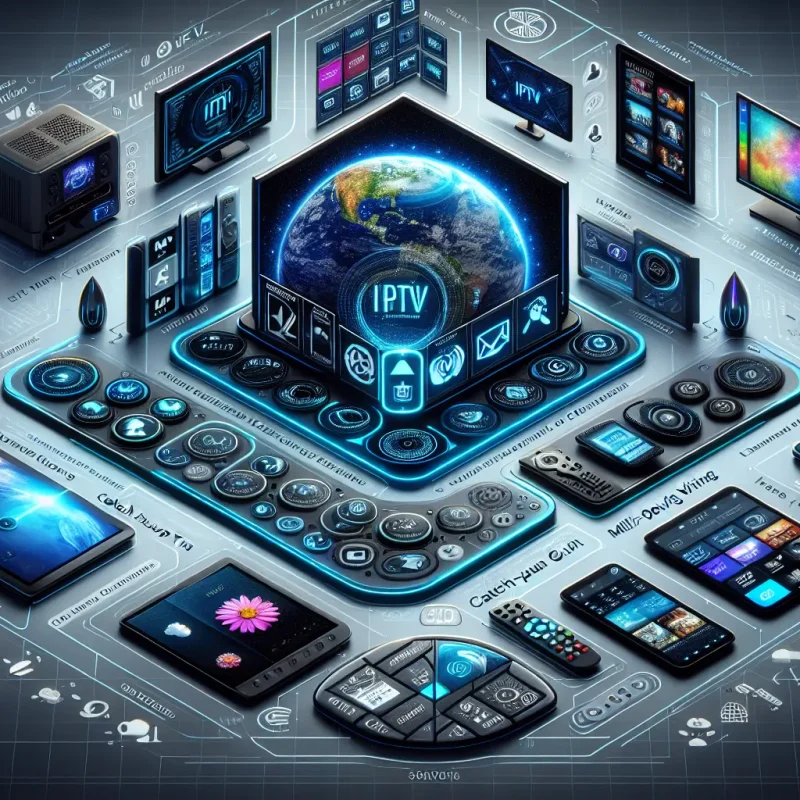
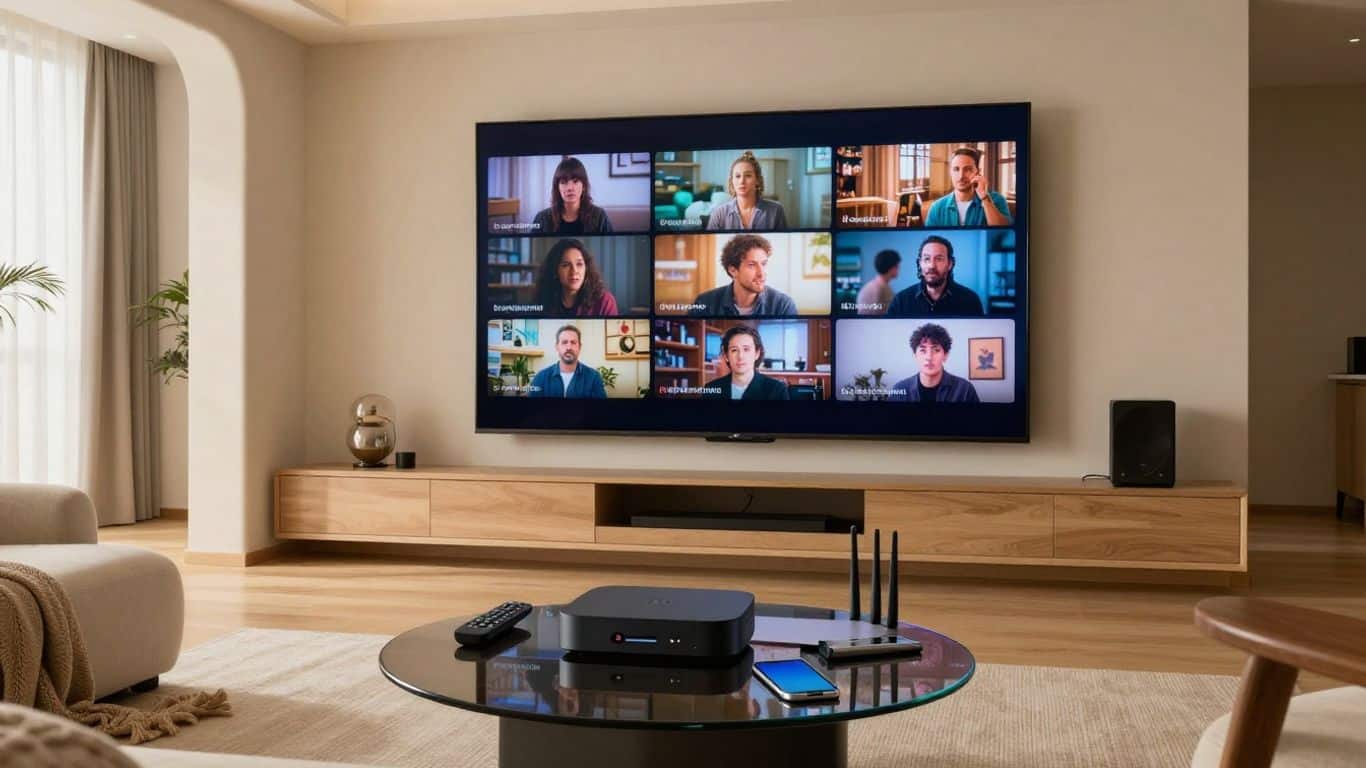
HD IPTV is television delivered through Internet Protocol networks. Instead of receiving a signal from an antenna, satellite dish, or cable line, a compatible app or device requests video from a service and displays it on your screen. The experience can feel much like ordinary television, while adding the flexibility of internet delivery. For a broader introduction, see this guide to IPTV basics.
The difference between IPTV and traditional television
Traditional television usually follows a fixed distribution path: broadcast towers, cable networks, or satellites carry signals to your home. IPTV uses your broadband connection, so the stream travels as data and is decoded by an app, smart TV, set-top box, phone, tablet, or computer. That distinction makes features such as on-demand playback and multi-device viewing more practical, although it also makes your home network part of the viewing system.
The word “IPTV” describes the delivery method, not automatically the quality or legality of a service. Two services can both use internet delivery while differing greatly in content rights, app quality, reliability, and customer support. Those details deserve as much attention as the resolution label.
How live channels and on-demand content are delivered
A live channel is encoded into a stream that travels continuously from a provider to viewers. Your app receives small portions of that stream, temporarily stores some data, and decodes it for playback. On-demand movies and shows work differently: the content is stored for selection, allowing the viewer to start, pause, resume, or sometimes replay it at a chosen time.
This process explains why a channel list alone tells you very little. The provider needs suitable servers, properly organized playlists or account data, and enough capacity to handle busy periods. A service such as IPTVON.ME describes its offering as IPTV subscriptions with live channels and video-on-demand content, so the practical comparison is how consistently those categories play on your devices.
HD, Full HD, and 4K streaming explained
HD generally refers to high-definition video, while Full HD commonly means 1920 by 1080 pixels. 4K, also called Ultra HD, offers substantially more detail, often at 3840 by 2160 pixels on consumer televisions. The label is useful, but it does not guarantee that every channel or program is actually supplied at that resolution.
Your television must support the chosen format, and the source stream must be encoded at an appropriate quality. A large screen can make the difference easier to see, especially in sports or films, but a lower-quality source cannot become true 4K simply because an app displays a 4K badge.
Why internet speed and network stability matter
Speed determines how quickly video data can arrive; stability determines whether it keeps arriving smoothly. Short drops, congestion, weak Wi-Fi, or several people using the connection at once can interrupt playback even when a speed test looks good. The stream also needs some buffer time, which is why a service may pause after working normally for several minutes.
Consistency matters more than a headline number when you are watching live video. Test the connection near the viewing device, check it at busy times, and leave room for other household activity. A practical overview of bandwidth and setup considerations is available in this HD streaming guide.
Key features to compare in an HD IPTV service
A good comparison starts with the viewing experience you actually want. A huge catalog may be less useful than dependable access to the genres, languages, sports, news, or local programming you watch most. Look at the service as a complete system: content, playback, software, support, and terms should all make sense together.
Channel selection and content categories
Begin by listing your priorities instead of counting every advertised channel. Check whether the service organizes live television into sensible categories and whether its on-demand library is easy to browse. Regional availability matters too, since a service may not have the same channels or rights in every country.
Ask whether the catalog is described clearly and updated when programming changes. If a provider only promises an enormous number without identifying categories, regions, or supported formats, treat the number as a marketing detail rather than proof of value.
Video quality, uptime, and buffering performance
Resolution, stream stability, and recovery from interruptions are closely connected. A provider may advertise HD or 4K, but the useful question is whether streams remain watchable during the hours when many customers are online. Trial access, where available, gives you a chance to test several channels rather than relying on a single demonstration.
For a fair test, try live content, on-demand playback, and different devices. Note startup time, picture changes, audio sync, and how quickly a stream recovers after a brief network interruption. IPTVON.ME positions its service around high-quality streaming, reliability, anti-freeze technology, and customer support; those claims should still be judged through the experience and terms offered to you.
Electronic program guides and catch-up viewing
An electronic program guide, or EPG, adds schedules and program information to the channel interface. It is especially helpful for live television because it lets you see what is playing without switching repeatedly between channels. Catch-up viewing, when offered, can provide access to recently aired programs, but availability and retention periods vary.
The guide should be readable, reasonably current, and easy to navigate with a remote. Check whether catch-up is available for the channels you care about, rather than assuming it applies to the entire lineup.
Device compatibility and simultaneous streams
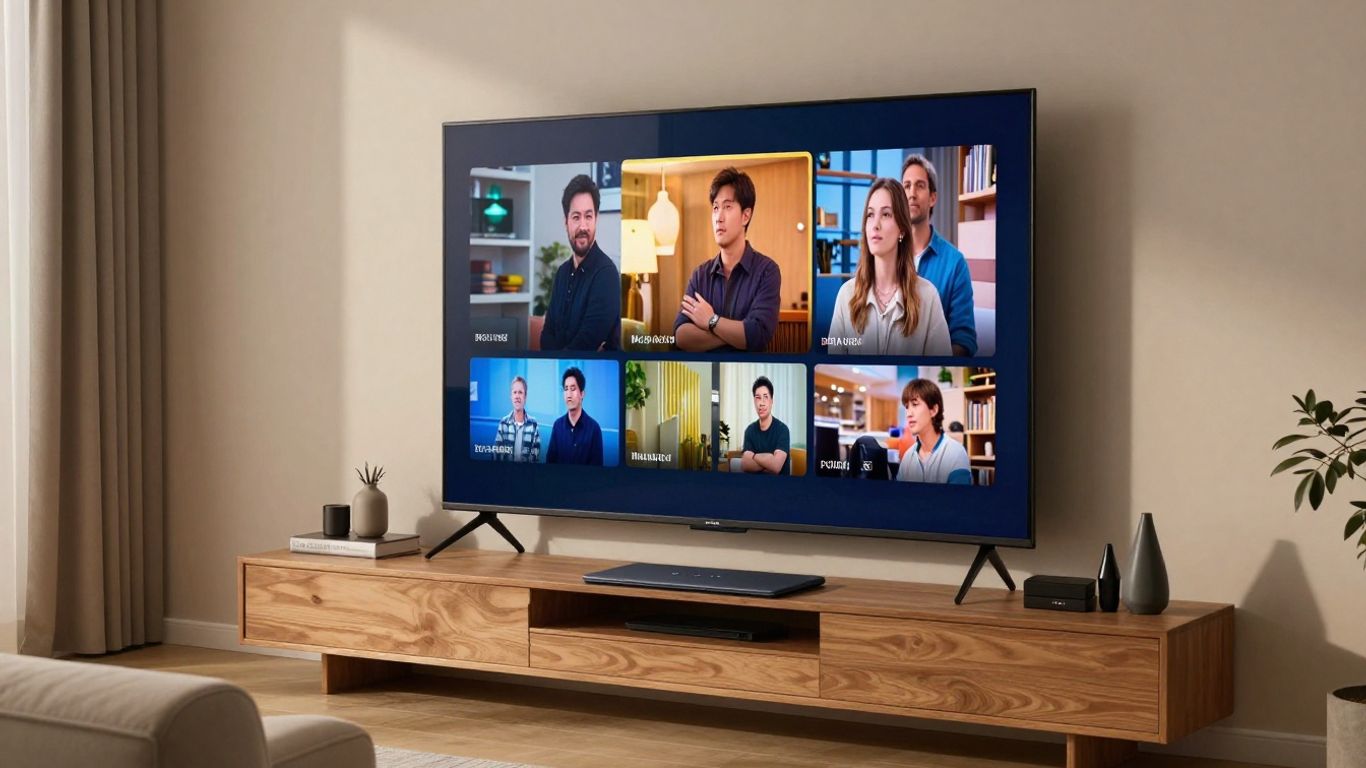
Compatibility means more than having an app listed in an online store. The service, player, operating system, screen resolution, and login method all need to work together. Simultaneous-stream limits also matter for households where more than one person watches at the same time.
Use this simple comparison when reviewing a plan. It separates the service’s advertised format from the practical requirements on your side:
| Feature | What to check | Why it matters |
|---|---|---|
| Resolution | HD, Full HD, or 4K support | Determines possible image detail |
| Devices | Smart TV, streaming box, mobile, or computer support | Shows where you can watch |
| Streams | Number of permitted concurrent connections | Prevents household conflicts |
| Playback | Live, on-demand, EPG, and catch-up availability | Reflects everyday usability |
After making the comparison, confirm the exact device rules before paying. An app may play personal playlists without providing content itself; for example, VU HD IPTV is described as an Android media player that requires users to add their own digital content.
How to choose a reliable HD IPTV provider
Provider selection is partly technical and partly a trust decision. A polished website can still leave basic questions unanswered, while a modest site may clearly explain its service, terms, and support. Read the details before entering payment information, and start with a plan that limits your exposure if the service is unfamiliar.
Checking service transparency and company information
Look for a real support route, clear contact information, service descriptions, device instructions, and terms that explain what you receive. Content licensing should not be hidden behind vague language. The same general principle applies online: Utah Wildlife Specialists clearly identifies its service area, licensing, methods, and warranties, while a streaming provider should be equally direct about its own offering and responsibilities.
Be cautious when a provider refuses to explain billing, support, or account policies. Transparency does not prove performance, but a lack of it makes problems much harder to resolve.
Reviewing plans, trials, and refund policies
Compare the total price, subscription length, number of streams, trial conditions, and refund window. A short-term plan is usually a sensible first step because it lets you test the service under normal conditions. Read whether a trial automatically converts to a paid subscription and whether refunds exclude activation, used days, or certain payment methods.
IPTVON.ME presents a 7-day money-back guarantee in its positioning, but customers should review the current published terms to understand how that guarantee works. Never assume that a low introductory price includes every feature or device you need.
Evaluating customer support and platform usability
Support is most valuable when it helps with ordinary setup questions, login issues, playback problems, and account changes. Test the stated contact method before subscribing if possible. A helpful response should explain the next step clearly rather than sending a generic sales message.
The interface matters as well. Menus should be legible on a television, search should be usable with a remote, and account information should not be scattered across several unrelated pages. Even services that offer many channels can become frustrating if basic navigation is slow or confusing.
Recognizing exaggerated claims and warning signs
Be skeptical of guarantees that sound impossible, pressure to pay for a long term immediately, or claims that every channel is always available in every country. A provider that avoids licensing questions or asks you to install unknown files creates unnecessary risk. Search results and testimonials can be useful clues, but they are not substitutes for clear terms and your own testing.
Related services in unrelated industries, such as Natural Escort, also show why specific booking, payment, and cancellation details matter when assessing an online business. The comparison is about transparency, not the services themselves: vague policies are a warning in any paid online transaction.
Setting up HD IPTV on popular devices
Setup normally involves three pieces: a compatible player, account or playlist information supplied by a legitimate service, and a stable internet connection. The exact menus differ by device, but the sequence is broadly similar. For a more detailed beginner walkthrough, see this IPTV setup tutorial.
Installing an IPTV app on smart TVs
Open the television’s official app store and search for a player that supports the account or playlist format you have been given. Install it from the recognized store, then follow its sign-in or playlist instructions. Avoid downloading modified application packages from random websites, even if they promise extra channels or features.
Once the app opens, check the picture settings and test several categories. A remote-friendly layout and readable guide will make a larger difference over time than a complicated collection of optional settings.
Using streaming devices such as Fire TV and Android TV
Streaming devices can provide a consistent interface when a television’s built-in software is limited. Install the player through the device’s approved process, connect it to the same reliable network used for other streaming, and enter only the credentials or playlist details supplied by your provider. Keep the device firmware and app current.
If installation instructions require sideloading, understand exactly what file you are installing and where it came from. The safer default is to use recognized stores and avoid granting broad permissions to an app that only needs to play video.
Watching on smartphones, tablets, and computers
Mobile devices and computers are useful for testing a service because they make it easy to compare networks and playback settings. Use the official app or a reputable player, protect the device with a passcode, and avoid saving credentials on shared machines. A larger screen may reveal picture softness or audio problems that are less obvious on a phone.
Remember that cellular data can be consumed quickly by HD video. When away from home, check your data allowance and consider a lower resolution if the connection is limited.
Configuring playlists, login details, and playback settings
Enter playlists, server addresses, or login details carefully, since one character out of place can make an otherwise valid account appear broken. Give the app time to load its channel guide, then organize favorites so frequently watched content is easy to reach. Keep credentials private and do not paste them into support forums or public comments.
A useful setup checklist is short:
- Confirm the player supports the supplied login or playlist format.
- Test one live channel and one on-demand item before changing settings.
- Check audio language, subtitles, aspect ratio, and resolution options.
- Record the provider’s support contact and refund terms somewhere safe.
After setup, change one setting at a time if playback is poor. That makes it easier to tell whether the issue comes from the network, the device, the app, or the source stream.
How to improve HD IPTV streaming quality
Most playback problems have more than one possible cause. The connection may be congested, the wireless signal may be weak, the device may be overloaded, or the stream itself may be having trouble. Work through the simplest explanations first instead of repeatedly reinstalling the app.
Choosing the right internet speed
There is no single speed that guarantees perfect playback, because resolution, compression, household traffic, and service capacity all vary. HD needs less bandwidth than 4K, and several simultaneous streams require more headroom than one television. Leave capacity for video calls, updates, gaming, and other connected devices.
Run tests near the viewing device and at different times of day. If performance drops sharply in the evening, congestion may be more relevant than your subscription’s advertised maximum speed.
Using wired connections and optimized Wi-Fi
Ethernet is often the simplest way to reduce wireless variables for a television or streaming box. If wiring is impractical, place the router in an open, central location and keep it away from thick walls, enclosed cabinets, and sources of interference. A modern 5 GHz or newer Wi-Fi network can help nearby devices, while a 2.4 GHz network may travel farther.
Do not judge Wi-Fi only from a phone in the same room. The streaming device’s position, antenna design, and surrounding traffic can produce a different result.
Reducing buffering and playback interruptions
Restart the app and device, check for updates, and pause large downloads during a test. If only one channel fails, the problem may be specific to that stream rather than your whole connection. If every service struggles, inspect the router, broadband connection, and device storage.
A VPN can sometimes change the route between you and a service, but it can also add delay or reduce speed. Treat it as a troubleshooting or privacy tool, not a guaranteed cure for buffering.
Adjusting resolution for different network conditions
Auto resolution is convenient when the player handles changing conditions well. Otherwise, manually selecting HD instead of 4K may keep a program watchable on a busy or unstable connection. The goal is uninterrupted viewing, not the highest label at every moment.
Test the same program at two settings and watch for startup time, pauses, and picture softness. If a lower setting fixes interruptions, keep it until the network improves or you can investigate the underlying cause.
Legal, privacy, and security considerations
HD IPTV is a delivery technology, so legality depends on the content being provided, the provider’s rights, and the rules where you live. A service can be technically impressive and still be unsuitable if it does not have permission to distribute the programming it offers. Review local requirements and choose providers that explain their licensing position.
Verifying content licensing in your country
Look for direct information about authorized programming and regional restrictions. Be especially careful with services that promise every premium channel worldwide for an unusually low price while offering no licensing explanation. If a catalog seems too broad to be credible, pause before subscribing.
This legal IPTV guide covers the difference between authorized and unauthorized services, along with practical safety questions. Local laws vary, so general online advice should not replace guidance relevant to your country.
Protecting accounts and payment information
Use a unique password for your streaming account and enable multifactor authentication when available. Pay through a method with recognizable dispute and transaction records, and check that the payment page uses a secure connection. Do not send card numbers, identity documents, or passwords through ordinary chat messages.
Keep your television and streaming device updated, and remove apps you no longer use. Account safety is easier when fewer devices and services retain your personal information.
Understanding VPN use and its limitations
A VPN encrypts traffic between your device and the VPN provider and may hide your IP address from some network observers. It does not make unlicensed content legal, verify a provider’s rights, or guarantee better performance. Some services may also restrict access when they detect certain VPN connections.
Use a reputable VPN only for a clear privacy or network-routing reason, and review its own privacy policy. The responsibility for lawful viewing remains with the user and the service supplying the content.
Avoiding suspicious apps, unofficial files, and scams
Unknown APK files, fake support accounts, urgent payment requests, and promises of unlimited access without terms are common warning signs. Install software through official stores where possible and inspect permissions before approving them. If an app asks for access unrelated to video playback, stop and investigate.
Never let a salesperson pressure you into cryptocurrency, gift cards, or transfers that offer no meaningful customer protection. A reliable provider should be willing to explain what you are buying, how to cancel, and where to obtain help.
Conclusion
HD IPTV can be a flexible way to watch live and on-demand television when the service is transparent, the devices are compatible, and the network is stable. Compare real viewing needs rather than impressive channel counts, test performance with a short plan, and treat licensing and account security as part of the purchase. Those habits make it easier to find a stream that is clear, dependable, and safe to use.
Frequently Asked Questions
What does HD IPTV mean?
HD IPTV means television delivered over an internet connection in high-definition quality. The actual picture depends on the source stream, device, display, and network conditions.
Is IPTV the same as cable television?
No. Cable television uses a cable distribution network, while IPTV delivers video as internet data. Both can provide live channels, but IPTV usually depends more directly on your broadband connection and compatible software.
What internet speed is needed for HD IPTV?
The requirement varies by resolution, compression, household usage, and the number of simultaneous streams. A stable connection with extra capacity is more useful than focusing only on a provider’s minimum figure.
Why does IPTV keep buffering?
Buffering can result from weak Wi-Fi, network congestion, insufficient bandwidth, device limitations, or problems with a particular stream. Testing another device or channel can help isolate the cause.
Can HD IPTV be watched on a smart TV?
Yes, many services can be watched through a compatible smart-TV player. Confirm that the app, login method, operating system, and service support your specific television model.
Does 4K IPTV require a 4K television?
A 4K television is needed to display 4K detail fully. A compatible HD television may still play the stream, but it will not show the complete 4K resolution.
Is HD IPTV legal?
It can be legal when the provider has permission to distribute its programming and follows applicable rules. Users should verify licensing and avoid services that are evasive about content rights.