Estimated reading time: 8 minutes
Key Takeaways
- Versatile Streaming: Castify provides seamless media sharing between Android devices and TVs.
- Diverse Compatibility: Supports various formats and devices, including Chromecast and Roku.
- Advanced Features: Includes AI subtitle generation and Picture-in-Picture mode.
- Freemium Model: Offers essential features for free, with a Pro version for ad-free experiences.
Table of Contents
What is Castify for Android TV?
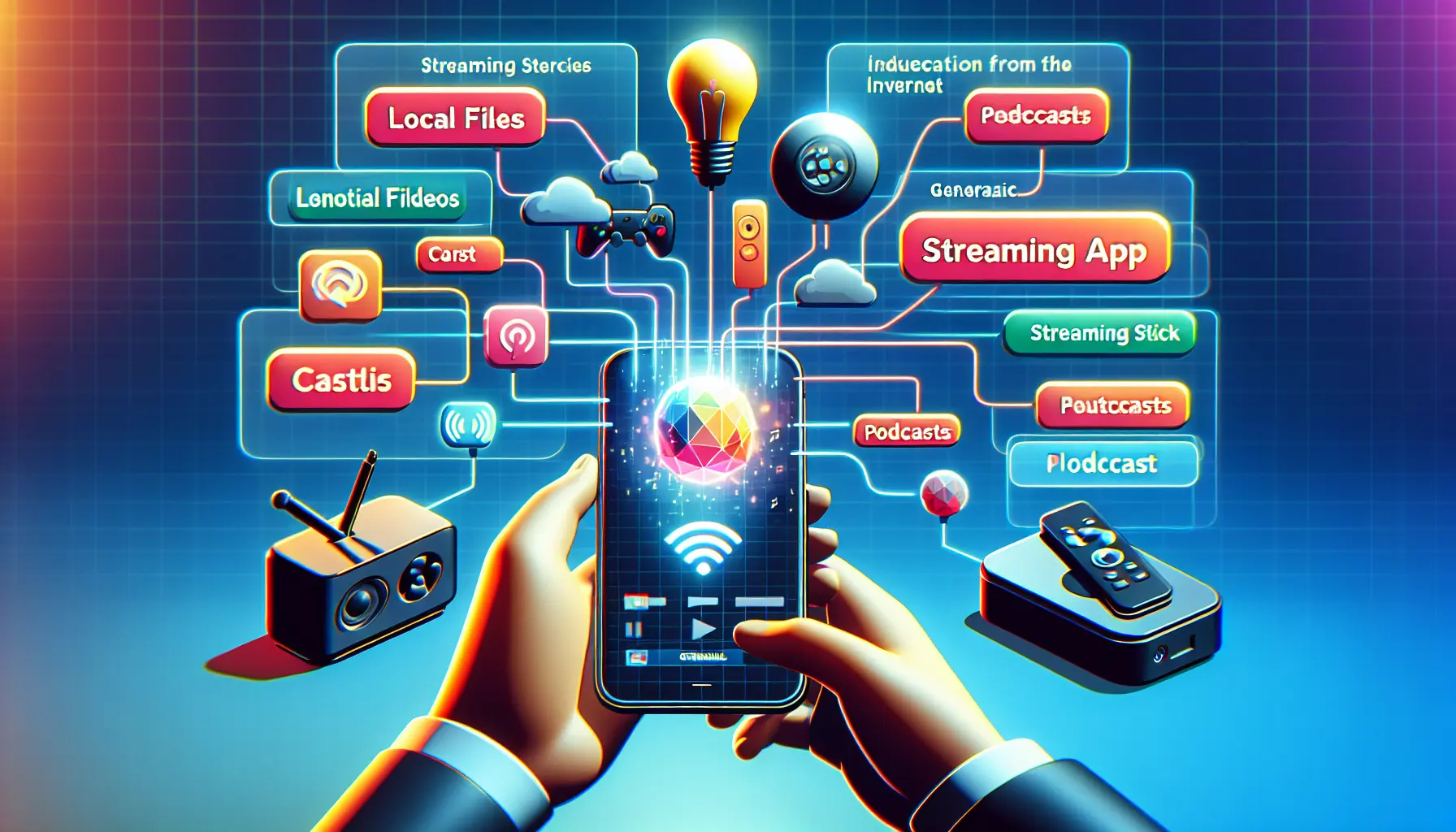
Castify is a versatile streaming application that transforms how you share media between your Android devices and TV. This comprehensive multimedia casting solution enables seamless streaming of videos, music, photos, and various content formats from your phone to compatible TVs and streaming devices.
Key Features and Capabilities
The application stands out with its extensive feature set that caters to various streaming needs:
- Local file streaming (MP4, MKV, MP3, JPG, PNG)
- Web video casting through built-in browser
- IPTV support with m3u playlist compatibility
- Podcast streaming capabilities
- DLNA server integration
- SMB/NAS/LAN source streaming
What makes Castify particularly useful is its straightforward operation – you simply browse content through the app’s interface, select a device on your Wi-Fi network, and start streaming without any file modifications.
Setting Up Castify on Android TV
The setup process involves two main components:
- Install the dedicated Castify for Android TV app on your television
- Download the main mobile app (“Cast to TV+ Chromecast Roku TV”) on your Android device
Both applications work in tandem to create a seamless casting experience. The Android TV version acts as a receiver, while the mobile app serves as your control center.
For broader context on IPTV setup across devices, the IPTV streaming setup guide can be a helpful reference.
Device Compatibility
Castify boasts broad device support across multiple platforms:
- Chromecast (including Ultra 4K)
- Roku devices (Premiere, Express, Stick, TV)
- Fire TV and Fire Stick
- Xbox One and 360
- Apple TV (4th generation and newer)
- Smart TVs (LG, Samsung, Sony, Panasonic)
For a deeper dive into supported devices and compatibility considerations, see the IPTV compatible devices guide.
Advanced Features
The application includes several sophisticated capabilities:
- AI-powered subtitle generation and translation
- Picture-in-Picture (PiP) support
- Built-in popup blocker
- Website bookmark management
- Screen mirroring (available on newer Android devices)
Format Support and Limitations
Castify handles a wide range of media formats:
Supported Formats:
- Video: MP4, MKV (including 4K/HD where available)
- Audio: MP3, podcast streams
- Images: JPG, PNG
- Streaming: HTML5 video, HLS live streaming
- IPTV: m3u playlists and URLs
Notable Limitations:
- Screen mirroring restricted to recent Android devices
- Apple TV has limited local audio/photo/MKV support
- Proprietary format restrictions
Recent Updates and Improvements
Castify continues to evolve with regular updates that enhance functionality:
- Android 15 SDK integration
- Samsung Tizen TV support addition
- Enhanced slideshow capabilities
- Improved bookmark management
- Audio-on-phone-while-casting feature
- Enhanced IPTV and podcast support
Cost and Availability
Castify follows a freemium model. The basic version includes all essential features at no cost, while a Pro version removes advertisements for an enhanced viewing experience. The application is available through:
- Google Play Store (main Android app)
- Google Play Store (Android TV version)
- iOS App Store (for Apple device users)
Final Thoughts
Castify for Android TV represents a comprehensive solution for your media streaming needs. Its broad device compatibility, extensive format support, and regular updates make it a reliable choice for anyone looking to stream content from their mobile devices to their TV. While some limitations exist, particularly with newer features like screen mirroring, the application’s core functionality remains solid and dependable.
The combination of free access to all essential features and the option to remove ads through a Pro upgrade makes Castify an accessible choice for users seeking a versatile casting solution. Whether you’re streaming local files, web content, or IPTV channels, Castify provides the tools needed for a seamless viewing experience.
For more on installing and configuring IPTV apps and services that pair well with Castify, check these guides:
- How to Download m3u Playlists
- IPTV Streaming Setup: Comprehensive Guide
- IPTV Compatible Devices Guide
- IPTV on Smart TV Guide
- Best IPTV Apps 2025 Guide
Frequently Asked Questions
What is Castify for Android TV?
Castify is a streaming app that allows seamless media sharing between Android devices and TVs, supporting various content formats and devices.
How do I set up Castify on my Android TV?
Install the Castify app on your TV and the mobile app on your Android device. Both applications coordinate for an optimal casting experience.
What devices support Castify?
Castify supports a wide range of devices, including Chromecast, Roku, Fire TV, Xbox, Apple TV, and various smart TVs.
Does Castify have any advanced features?
Yes, Castify includes advanced features such as AI subtitle generation, Picture-in-Picture mode, screen mirroring, and more.
What media formats does Castify support?
Castify supports various media formats, including MP4, MKV, MP3, JPG, PNG, and more. Certain formatting restrictions may apply with specific devices.