Key Takeaways
IPTV TV online can be a flexible way to watch live channels and on-demand programming, provided you choose a legitimate service and prepare your network properly.
- IPTV delivers television through an internet connection rather than a traditional broadcast route.
- Channel selection, regional access, reliability, and device support matter more than headline channel counts.
- A compatible player, valid playlist or login, and stable home network are the basic setup requirements.
- Ethernet, sensible video settings, and regular troubleshooting can reduce buffering.
- Always verify content rights, protect your account, and judge a service by everyday performance.
What IPTV TV online means and how it works
IPTV TV online refers to television content delivered using Internet Protocol networks. Instead of receiving a signal through a cable line, satellite dish, or antenna, your device requests video data through the internet. The experience can feel much like ordinary television, but the delivery method makes the service dependent on your connection, device, app, and content source.
IPTV compared with cable, satellite, and traditional streaming
Cable and satellite services generally use dedicated distribution systems, while IPTV sends streams over an internet connection. Traditional streaming platforms often focus on an on-demand catalog, whereas IPTV commonly places live channels at the center of the experience. The boundaries can overlap, so the practical distinction is less about the screen and more about how the programming reaches it.
That flexibility is useful for households that watch on several kinds of screens. It also means there is no single IPTV experience: a licensed service with reliable infrastructure can behave very differently from an unknown source. Readers wanting a wider overview can browse these streaming setup archives for related background on internet-based television.
Live TV, video-on-demand, and time-shifted programming
Most IPTV services combine three viewing patterns. Live TV follows a scheduled broadcast, video-on-demand lets you select a program from a catalog, and time-shifted features may allow catch-up viewing or a restart of a recently aired program. Whether all three are available depends on the provider and the rights attached to its programming.
Electronic program guides can make a large channel list easier to use by showing current and upcoming programs. Still, an EPG is only useful when its data is accurate and kept reasonably current. If you are comparing internet television more broadly, a guide to TV online platforms can provide helpful context about different viewing models.
The role of internet speed and network stability
A fast connection helps, but consistency matters just as much. Video arrives in a continuous stream, so brief drops, congestion, or unstable Wi-Fi can interrupt playback even when a speed test shows a high number. Other household activity, router placement, and the distance between a device and the access point all affect the result.
Think beyond the advertised download speed. Test the connection where the television actually sits, preferably during the hours when you normally watch. A stable connection gives the player room to maintain playback instead of repeatedly emptying and rebuilding its buffer.
Why content sources and provider quality vary
IPTV is a delivery method, not a guarantee that every channel list is authorized, complete, or dependable. Providers may differ in their licensing, server capacity, customer support, app instructions, and handling of regional restrictions. A polished website alone does not prove that a service is trustworthy.
The most useful questions are practical: Who supplies the programming? What devices are supported? How are outages handled? Are the terms, refund rules, and privacy practices visible before payment? Those answers tell you more than a dramatic promise of an enormous channel count.
How to choose an IPTV TV online service
Choosing a service is mostly an exercise in matching claims to your actual viewing habits. Start with the channels and program types you watch, then check reliability, supported devices, payment terms, and help options. A smaller service that works every evening may be more useful than a larger list filled with channels you never open.
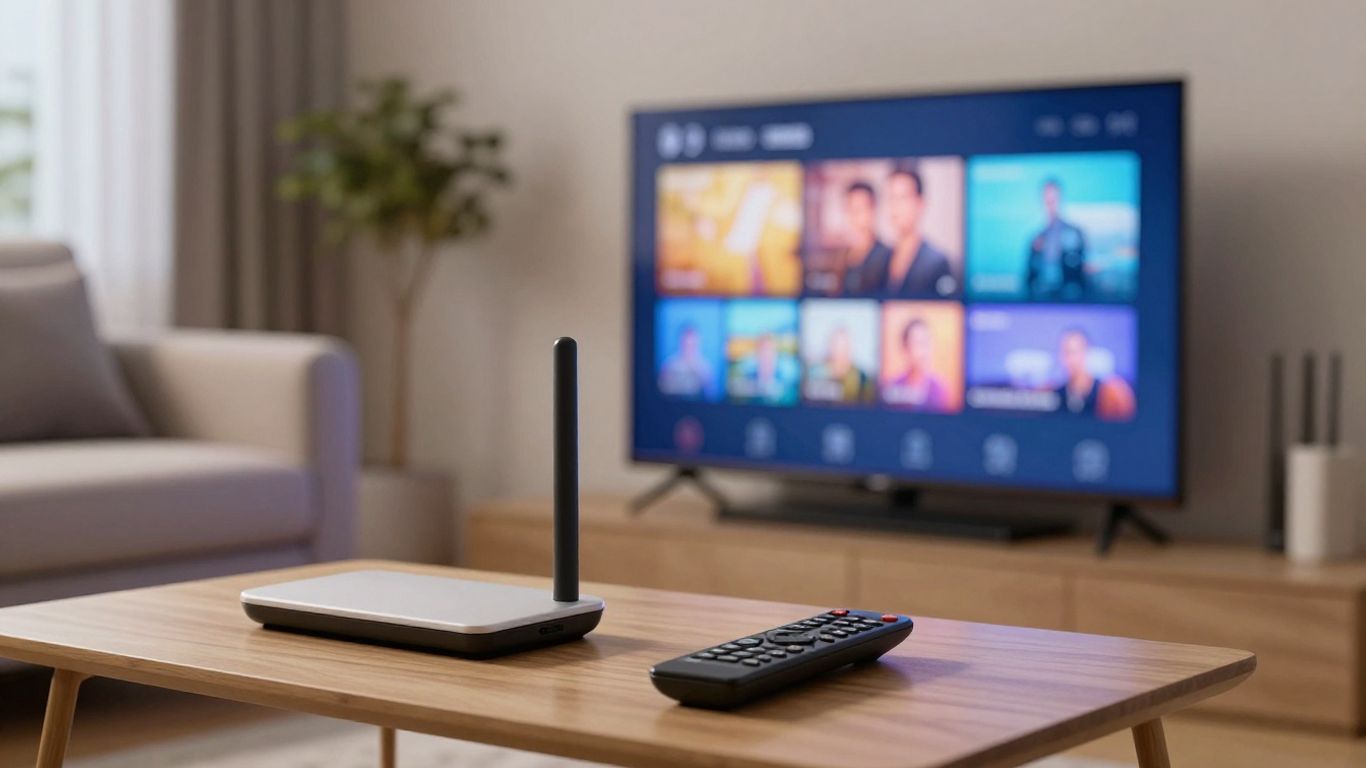
A provider such as IPTVON.ME describes its offering as a library of live channels and video-on-demand content, with an emphasis on high-quality streaming and customer support. Treat those statements as criteria to verify through the service’s published terms and your own trial experience, rather than assuming a general promise applies equally to every household.
Channel selection and regional availability
Channel lists should be checked by country, language, genre, and viewing priority. Search for the local news, sports, children’s programming, or international channels you actually need instead of relying on a total count. Regional availability can change because distribution rights differ by territory.
Ask whether the list shown before purchase is current and whether the service clearly identifies unavailable regions. For sports and live events, also check whether access is tied to a particular location or broadcast window. A beautiful catalog is not much help if the channels that matter to you are missing.
Video quality, uptime, and streaming performance
Quality has several parts: resolution, consistency, start time, audio behavior, and how often streams fail during busy periods. Claims about HD or 4K should be understood alongside your device, connection, and the quality of the source feed. Reliability over time matters most because a smooth first evening does not establish a service’s normal performance.
When comparing options, record what happens at different times instead of trusting one short test. A simple scorecard can keep the decision grounded:
| Check | What to observe | Why it matters |
|---|---|---|
| Peak-hour playback | Freezing, delays, and failed starts | Evening congestion often exposes weaknesses |
| Channel changes | Time to open several channels | Slow switching can make live viewing frustrating |
| Picture consistency | Resolution changes and artifacts | Source quality may vary by channel |
| Support response | Clarity and speed of replies | Problems are easier to manage with useful help |
After a few sessions, the pattern is more meaningful than a single impressive stream. IPTVON.ME positions its service around high-quality streaming, anti-freeze technology, a 99% uptime guarantee, and customer support; verify the current terms and how those claims are measured before subscribing.
Device compatibility and supported apps
Check the exact operating system and app method before you pay. Some services use a dedicated application, while others provide login details or playlist information for a compatible third-party player. Confirm whether your television, streaming stick, phone, tablet, or computer is supported and whether one subscription can be used on the screens in your home.
An app that works well on a phone may be awkward with a television remote. Also look for practical features such as favorites, search, parental controls, subtitles, and EPG support. Compatibility is not just whether a device can technically play video; it is whether the whole household can use it comfortably.
Pricing, trials, contracts, and refund policies
Read the payment page and terms before entering card details. Compare the full cost, renewal schedule, number of simultaneous connections, trial conditions, and cancellation process. Be cautious when a low introductory price hides a recurring charge or when refund language is vague.
For an unrelated but useful example of why spending controls and clear account management matter, Revolut describes tools for budgeting, expense tracking, spending limits, and multi-currency transactions. The broader lesson applies here: understand how money moves in and out before committing to a recurring service.
Which devices work with IPTV TV online
IPTV can work across many common screens, but compatibility depends on the player, operating system, and provider instructions. The same playlist may behave differently on a television, phone, and computer because each device has different controls and decoding support. Choose the screen that fits your viewing routine, then confirm the software path before setup.
Smart TVs and built-in app platforms
Smart TVs are convenient because they reduce the number of separate boxes and remotes. Their app stores and operating systems vary, though, and older models may not support newer players or video formats. Check the television’s model year, available storage, app store, and network settings rather than assuming every smart TV is interchangeable.
A wired connection can be especially helpful when the television is near the router. If it is not, strong Wi-Fi and sensible router placement may be enough for ordinary viewing. The goal is a stable, easy-to-control setup, not simply the fewest devices.
Streaming devices such as Roku, Fire TV, and Apple TV
Streaming devices can be a good choice when a television’s built-in platform is limited or no longer receives useful updates. Roku, Fire TV, and Apple TV differ in their app policies, remote controls, and supported players, so follow the provider’s instructions for the specific model. Keep the device’s operating system current and leave enough storage for updates.
A separate device also makes it easier to move the service between televisions. That convenience comes with another login and another piece of network hardware to maintain, so simplicity should remain part of the decision.
Smartphones, tablets, and computers
Mobile devices and computers are useful for testing a service before settling on a living-room setup. They also make sense for travel where the service’s terms and local rights allow access. Use the official app source where possible, protect the device with current security updates, and be wary of downloads that ask for excessive permissions.
Computers offer larger screens and more control, but browser playback can be affected by extensions, power settings, and competing applications. Phones and tablets may switch between Wi-Fi and cellular data, which can create sudden changes in playback quality.
IPTV-compatible set-top boxes
Set-top boxes are designed for television use and may offer a more traditional channel-browsing experience. Their usefulness depends on the player installed, the available updates, remote response, and the provider’s compatibility guidance. Avoid buying hardware solely because a seller claims it includes every channel; the box itself does not establish content rights.
Before purchase, check return terms, power requirements, storage, and whether the box receives security updates. A modest, well-supported device is usually easier to live with than hardware built around unclear promises.
How to set up IPTV TV online
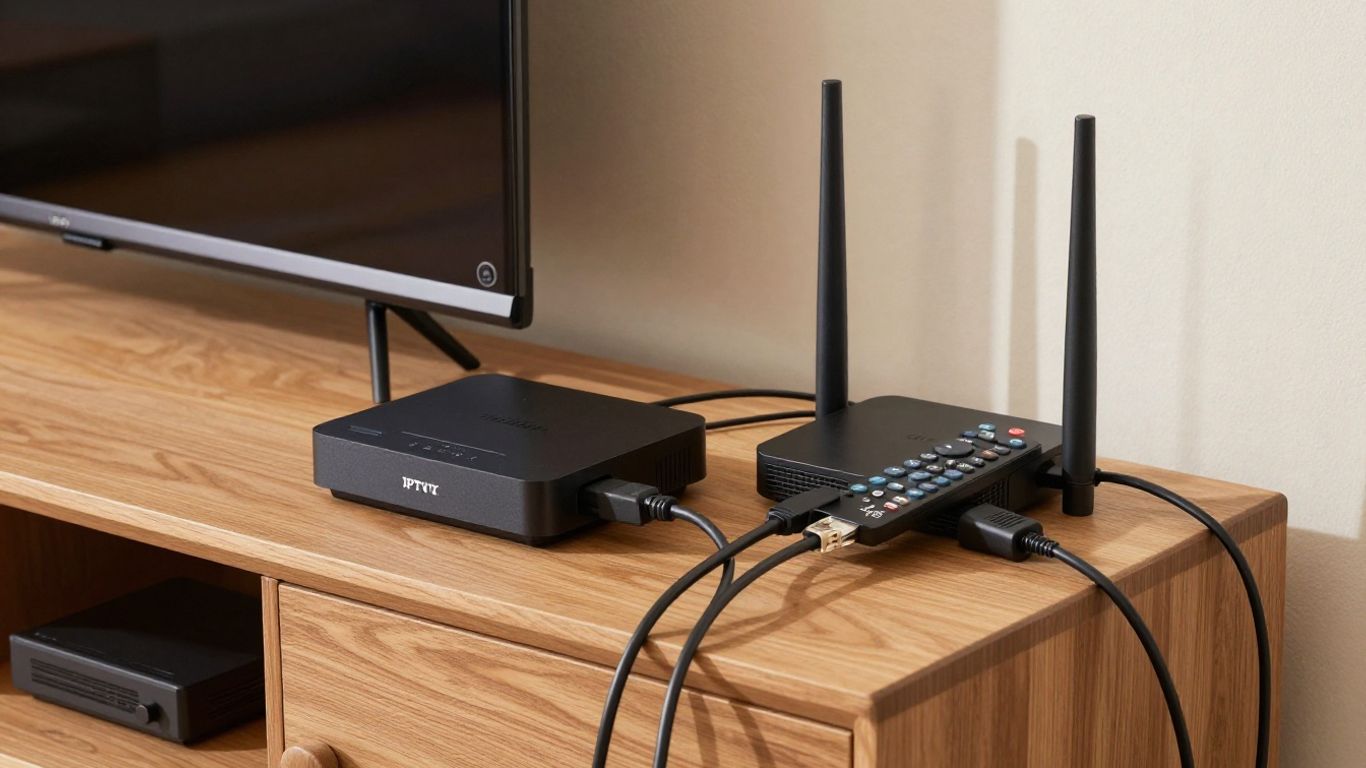
A straightforward setup usually has four parts: a working internet connection, a compatible screen, an IPTV player, and authorized access details from a provider. Keep the process methodical and save the original instructions in a secure place. This IPTV setup guide covers similar fundamentals, including device compatibility, connection stability, and channel management.
Checking your internet connection and home network
Begin with the device in its final viewing location. Test the connection at different times, restart the router if it has been running poorly, and check whether other downloads or video calls are using the network. If several devices share the connection, the television may need priority during busy periods.
A network test is more useful when repeated than when treated as a one-time pass or fail. Note whether problems occur only at night, only over Wi-Fi, or only on one device. Those details help separate a provider issue from a home-network issue.
Installing a compatible IPTV player
Use the provider’s recommended player or a reputable application from the device’s official store. Confirm that the app supports the access format you were given, such as a playlist URL or an account-based login. Do not install modified packages from random download pages merely because they promise extra channels or features.
The IPTV Online Player listing is one example of a player that lets users load their own M3U or M3U8 playlists; it does not supply the content itself. That distinction is worth keeping clear when selecting any application.
Adding a provider playlist or login details
Enter the details exactly as supplied, taking care with capitalization, spaces, and expiry dates. If the provider gives a server address, username, and password, use the designated fields rather than guessing at a playlist format. Keep credentials private and avoid posting playlist URLs in forums or screenshots.
A short checklist prevents most avoidable setup mistakes:
- Confirm the subscription is active and intended for your region.
- Copy the playlist URL or login details without extra spaces.
- Check the player’s date, time, and network permissions.
- Restart the app after saving the connection information.
Once the list loads, test several channels rather than stopping after the first successful stream. If only some channels work, the problem may involve the source or regional rights rather than the player itself.
Organizing channels, favorites, and electronic program guides
Large playlists become manageable when you remove channels you will never watch and place regular choices in favorites. Use folders or categories if the player supports them, and give the EPG time to refresh after the initial login. An orderly list makes slow channel changes less irritating because you spend less time searching.
Keep a note of which channels matter most. That record becomes useful when evaluating a renewal, especially if the provider changes its catalog or a favorite channel repeatedly fails.
How to improve IPTV streaming quality
Streaming quality is shared between the provider, your home network, and the playback device. You cannot fix a failing source with a faster television, but you can remove local causes of buffering. Make one change at a time so you know which adjustment helped.
Choosing the right internet speed
The required speed depends on resolution, the number of simultaneous streams, and what else is happening on your network. Higher-resolution video generally needs more sustained bandwidth, while multiple televisions multiply demand. Leave some headroom instead of planning around the absolute minimum advertised by a provider or internet company.
Run tests during normal viewing hours and compare the result with playback behavior. If the connection is fast but unstable, investigate latency, packet loss, and Wi-Fi interference rather than immediately paying for a faster plan.
Using Ethernet instead of Wi-Fi when possible
Ethernet usually gives a television or set-top box a steadier path to the router. It is particularly useful when the device is close enough for a cable or when walls, neighboring networks, and household appliances weaken wireless performance. If cabling is impractical, move the router into a more open position and use a suitable modern Wi-Fi band.
Avoid placing the router inside a cabinet or behind large electronics. Simple changes in placement can matter more than an expensive upgrade. A practical network troubleshooting guide also reinforces the value of checking the router, background applications, and device conditions when playback becomes unstable.
Adjusting video quality and buffering settings
Some players allow a quality choice or a buffer adjustment. Lowering resolution can help when bandwidth is limited, while a larger buffer may smooth out brief network variations at the cost of a slightly longer start. Make changes gradually and judge them over a full program, not just a quick channel preview.
Keep the device’s software updated and close applications that compete for memory or network access. If a particular channel remains poor while others play normally, changing global settings may not solve the underlying source problem.
Troubleshooting freezing, lag, and playback errors
Start by identifying the scope of the fault. Is every channel affected, or only one? Does the issue occur on one device, across the home, or only during peak hours? Those answers point toward different solutions and make a support request much more useful.
Try these steps in order: restart the player, check another channel, test another device, reboot the router, and confirm that the account is active. If the problem continues, record the time, error message, device, and affected channels before contacting support.
IPTV TV online safety, privacy, and legality
IPTV technology itself is not a license to access any particular program. The lawful use of a service depends on the provider’s rights, the content involved, and the rules that apply where you live. A careful subscriber checks those questions before paying and avoids sources that rely on secrecy or implausible promises.
Checking whether a provider has content distribution rights
Look for clear information about the provider, its terms, supported regions, and the programming it is authorized to distribute. A legitimate service should not pressure you to hide the subscription, install unknown software, or pay through an untraceable method. If rights information is impossible to find, treat that absence as a warning.
Do not assume that an app store listing, a professional logo, or a large channel count proves authorization. The player and the content source are separate parts of the arrangement, and both deserve scrutiny.
Recognizing suspicious websites and unofficial apps
Be wary of websites with copied branding, urgent countdowns, impossible guarantees, or payment pages that lack basic business information. Unofficial apps can contain unwanted software or request permissions unrelated to video playback. Download only from trusted sources and avoid disabling device security to complete an installation.
A service that explains its setup, limitations, and support route is easier to assess than one that offers only a sales message. When in doubt, pause before entering credentials or payment information.
Protecting accounts, payment details, and personal data
Use a unique password for the IPTV account and enable multi-factor authentication if available. Do not reuse an email password, and review bank or card activity after starting a recurring subscription. Keep playlist URLs private because they may contain account credentials or other identifying information.
Limit the personal information you provide to what the service genuinely needs. Read the privacy policy, understand renewal terms, and remove saved payment details when the account no longer serves a purpose.
Understanding VPN use and its limitations
A VPN can encrypt traffic between your device and the VPN server and may affect how your connection appears to a service. It cannot make unauthorized content legal, create rights that a provider does not have, or guarantee better streaming. It may also reduce speed or add latency depending on the server and route.
Use a VPN only in accordance with local law, the provider’s terms, and the rights governing the content. Treat it as a privacy or network tool, not as a substitute for choosing an authorized service.
How to evaluate your IPTV TV online experience
A good evaluation takes more than noticing whether the first channel opens. Watch normally for several days, include busy evening periods, and compare the service with the devices and connection you actually use. Keep the test practical: the right service is the one that fits your routine without creating constant maintenance.
Measuring reliability during peak viewing hours
Record failed starts, freezes, audio problems, and unusually slow channel changes. Note the date and time because a pattern during peak hours may reveal capacity limits that are invisible in the afternoon. Also test more than one channel so a single faulty source does not distort your judgment.
Support tickets should include clear evidence rather than a general statement that the service is bad. A timeline, device name, app version, and error message can help distinguish a local issue from a wider outage.
Comparing channel variety with actual viewing habits
Review your favorites after a week. Which channels did you open, and which were merely attractive in the original catalog? A service with fewer irrelevant channels may be the better value if it reliably provides your preferred news, entertainment, sports, or regional programming.
This is also where household preferences matter. One viewer may prioritize live events, while another cares more about on-demand programs and subtitles. Make the decision around those real patterns rather than a headline number.
Reviewing app usability and customer support
An app should make ordinary tasks—searching, changing channels, finding favorites, and reading the guide—reasonably clear. Customer support should explain what to check, identify known outages, and avoid blaming the customer without evidence. Good support cannot repair every source problem, but it can make a legitimate service much easier to use.
Look at the complete experience, including installation instructions, billing communication, privacy information, and cancellation. These small details often matter more after the initial novelty has worn off.
Deciding when to switch providers or devices
Consider switching when repeated failures remain unresolved, important channels disappear, billing becomes unclear, or the service no longer supports your household’s devices. Before changing providers, test the same connection with another authorized source or device where possible. That step prevents you from paying twice to solve a router or television problem.
If the service is stable but awkward on one screen, replacing the player or adding a supported streaming device may be enough. If the source itself is unreliable, new hardware will not change the outcome.
Conclusion
IPTV TV online works best when treated as a complete setup rather than a channel list: choose authorized programming, check the terms, use compatible hardware, and test the network where you watch. With realistic expectations and a little routine troubleshooting, internet-based television can be flexible without becoming difficult to manage.
Frequently Asked Questions
What does IPTV TV online mean?
It means television programming delivered through an internet connection using Internet Protocol networks. The service may include live channels, video-on-demand, and time-shifted programming depending on the provider.
Do I need a smart TV to use IPTV?
No. IPTV can also work on streaming devices, smartphones, tablets, computers, and compatible set-top boxes. The key requirement is a supported player and valid access details.
How fast should my internet connection be?
The appropriate speed depends on video resolution, the number of simultaneous streams, and other household activity. A stable connection with extra capacity is more useful than a high speed that frequently drops.
Why does IPTV keep buffering?
Buffering can result from unstable Wi-Fi, network congestion, insufficient bandwidth, device limitations, or a problem with the content source. Testing another device and another channel can help narrow down the cause.
Is every IPTV service legal?
No. Legality depends on whether the provider has the rights to distribute its programming in your region. Check the provider’s identity, terms, content rights, and payment practices before subscribing.
Can a VPN improve IPTV streaming?
A VPN may change the route or add privacy, but it cannot guarantee better playback or make unauthorized access lawful. It can also reduce speed, so use it only when it fits the provider’s terms and local rules.
Should I choose a service by its channel count?
Not by itself. Compare the channels you actually watch, reliability during peak hours, device compatibility, support quality, pricing, and refund terms before deciding.