Key Takeaways
Choosing among IPTV subscription services means looking beyond channel counts and low introductory prices. A sound decision balances licensing, viewing features, device support, reliability, privacy, and the provider’s willingness to explain its terms.
- Confirm that the provider is transparent about licensing, location rules, and business details.
- Match the channel lineup, video quality, guide, replay, and DVR features to your routine.
- Check device compatibility, stream limits, setup instructions, and software support before paying.
- Compare the full plan value, including trials, refunds, premium content, and extra connections.
- Protect payment details and accounts, and treat suspicious apps or unrealistic promises as warning signs.
Understand how IPTV subscription services work
IPTV delivers television and on-demand programming through an internet connection rather than a dedicated cable or satellite signal. That basic difference can make viewing more flexible, but it also makes the experience dependent on the provider’s infrastructure and your home network. Before comparing plans, it helps to understand what the service actually delivers and what remains your responsibility. Our IPTV provider evaluation guide offers a useful companion checklist for content quality, legality, reliability, and pricing.
IPTV vs. cable, satellite, and streaming platforms
Cable and satellite typically use dedicated distribution systems, while IPTV sends programming as internet data to an app, browser, or compatible device. It can feel similar to a conventional television package when live channels are central, yet it may also include an on-demand catalog and account-based viewing. Compared with individual streaming platforms, an IPTV subscription may gather more types of programming in one interface, though the exact catalog depends on the provider and the rights it holds.
The practical trade-off is control versus dependency. You may avoid a dish or a traditional cable box, but you need a compatible screen, a working app or player, and a stable connection. Those requirements should be considered part of the service, not treated as minor technical details.
Live TV, video-on-demand, and catch-up content
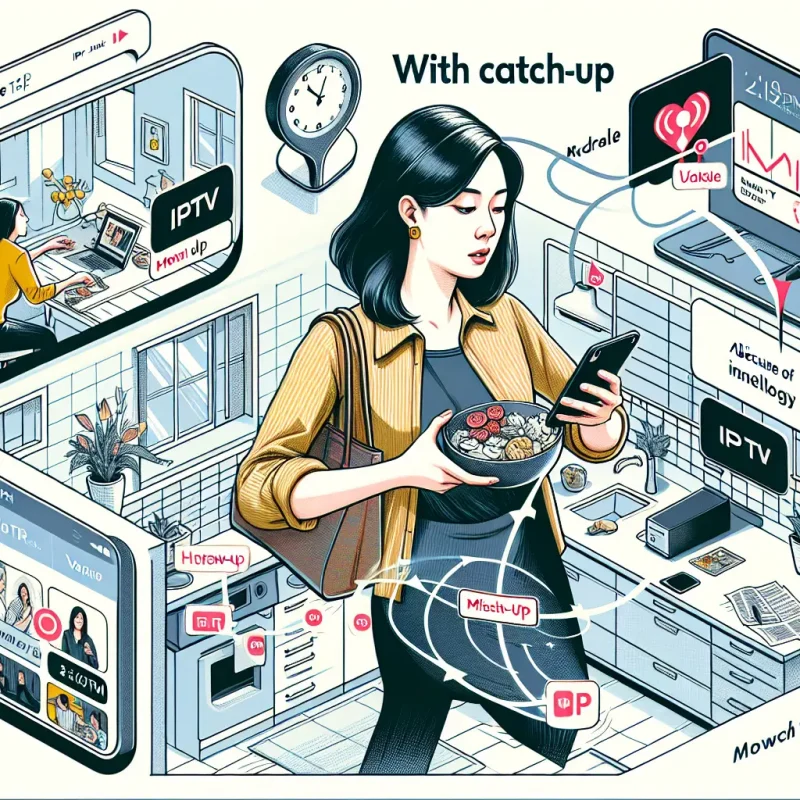
Live television follows a schedule, so the service must receive and deliver a stream at the moment a program airs. Video-on-demand works differently: a title is selected from a library and played when requested. Catch-up content, where offered, sits between the two by allowing viewers to revisit recently broadcast programming.
Ask which of these categories are actually included in a plan. A long list of live channels does not automatically mean a deep VOD library, and a provider that advertises replay may limit it to certain channels or a defined number of days. Clear descriptions are more useful than impressive-sounding totals.
The role of internet speed and network stability
Internet speed affects how much data can reach your device, while stability affects whether that data arrives consistently. A fast connection can still produce interruptions if Wi-Fi coverage is weak, the network is congested, or the route to the provider changes. Wired Ethernet, a nearby router, and sensible traffic management can help, but they cannot correct a failing service upstream.
Test the connection in the room where you watch, especially during the evening. If several people stream, play games, or upload files at the same time, leave more capacity than the video’s nominal requirement suggests. This is one reason a short trial can reveal more than a polished sales page.
Why channel availability varies by provider and location
Channel rights are negotiated territory by territory, and local programming is particularly dependent on location. A service may list national entertainment or news channels while offering a different set of local stations in another region. Sports access can also change according to broadcast rights, blackout rules, and the viewer’s location.
Read the lineup as a regional promise, not a universal one. Search for the specific local stations, language channels, and programs you watch most often, then ask support whether they are included in your location before subscribing. That small check can prevent a disappointing purchase.
Check legality, licensing, and provider transparency
Legality should be checked before price or picture quality. A provider should be willing to explain what it offers, where it operates, and how customers can contact it. Look for plain-language terms rather than relying on channel counts or urgent promotions. A transparent service makes it easier to understand both your rights and the limits of access.
How to identify properly licensed content
A legitimate offering should provide understandable information about its business identity, service terms, and the rights or distribution arrangements relevant to its programming. You do not need to become a media-rights specialist, but you should be able to find a company name, contact route, privacy information, and a clear explanation of subscription conditions.
Be cautious when a provider refuses basic questions about content sources or presents access as unrestricted everywhere. A professional presentation alone is not proof of licensing. The useful test is whether the business gives specific, consistent answers that match its written policies.
Warning signs of unauthorized IPTV services
Certain patterns deserve more scrutiny: promises of every channel in every country, unusually low prices with no explanation, pressure to pay for a year immediately, and support that exists only through an anonymous messaging account. Sudden payment-method changes or requests to install unfamiliar software are also reasons to pause.
The issue is not merely whether a stream works today. Unauthorized services may disappear, change their catalogs without notice, or expose customers to unsafe applications and weak data practices. If the offer cannot survive ordinary questions about its business, it is not worth the risk.
Reviewing company details, terms, and contact options
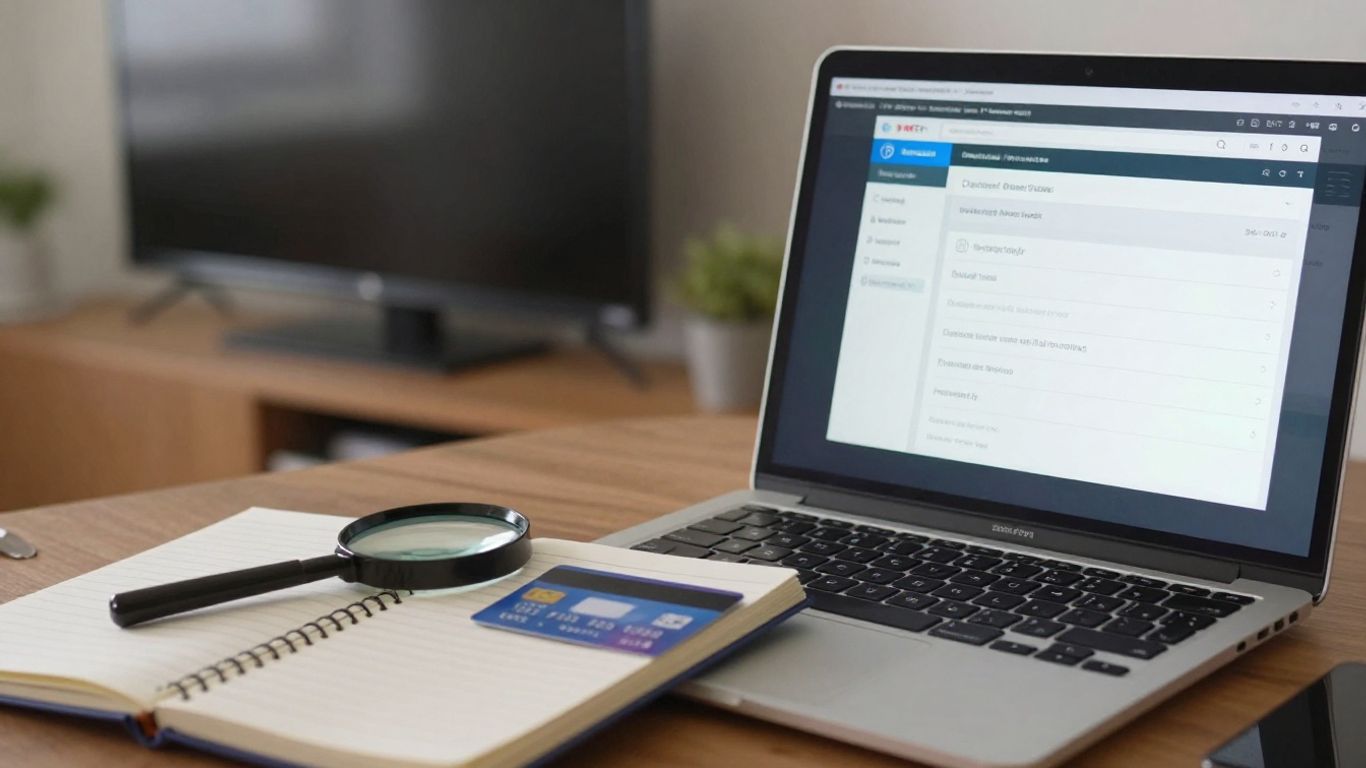
Before entering payment information, read the refund, cancellation, renewal, and acceptable-use terms. Check whether the provider identifies a business entity and gives customers more than one reasonable way to request help. A support form, email address, and stated response process are stronger signals than a vague promise of instant assistance.
Keep a copy of the order confirmation and the terms shown at checkout. If a dispute arises, those records make it easier to explain what was purchased. They also help you compare providers on service quality rather than on marketing language alone.
Why location-based access rules matter
Location can affect whether a channel, event, or program is available. Some restrictions come from licensing territories, while others reflect local broadcast arrangements or sports blackouts. Using a service from another country does not automatically remove those rules, and a virtual private network cannot change the rights held by a provider.
Ask direct questions about your home country and the content you care about. A responsible provider should describe regional limitations instead of implying that every customer receives an identical catalog. This is especially important for local news, regional sports, and language-specific programming.
Compare the features that affect daily viewing
Once legality and transparency are reasonably clear, compare the parts of the service you will use every day. A large catalog matters less if navigation is frustrating or the channels you watch are missing. Consider the complete viewing path: finding a program, starting it, changing channels, returning later, and using the service on the devices in your home.
Channel selection and local programming
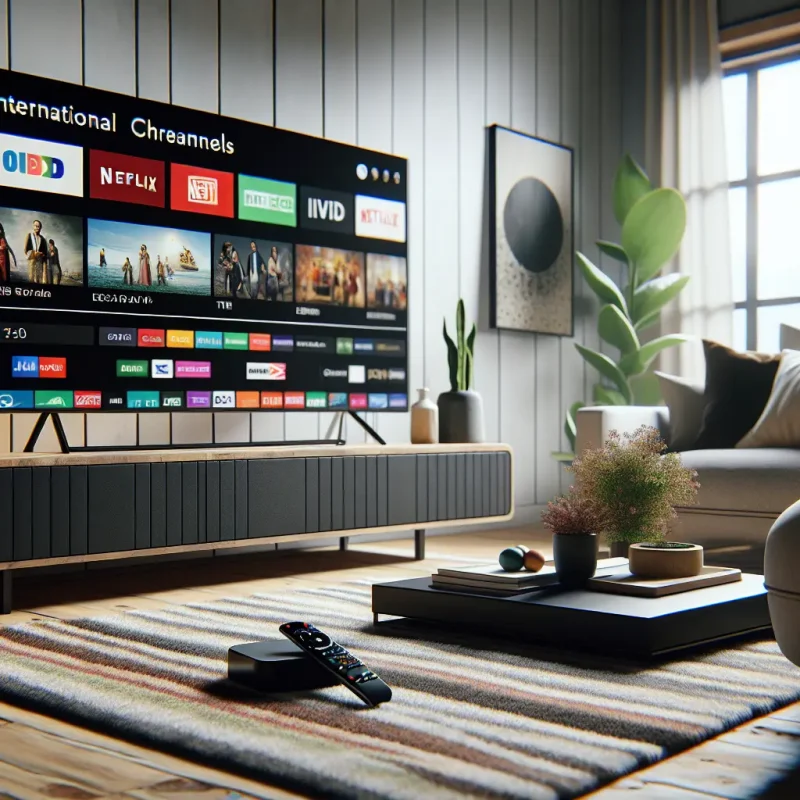
Start with a personal shortlist rather than a provider’s headline total. Include local news, preferred sports, children’s programming, international channels, and any specialist content that keeps you subscribed. Then check whether those items are live, on demand, or available only through catch-up access.
IPTVON.ME describes its offering as including live channels and video-on-demand content, so those are sensible categories to examine when assessing whether its package fits your routine. The same method applies to any provider: judge the useful portion of the lineup, not the size of the list by itself.
HD, 4K, HDR, and adaptive streaming quality
Resolution labels describe potential picture detail, not a guarantee that every program is delivered at that quality. HD may be sufficient for a smaller screen, while 4K can be worthwhile on a large television when the source, device, and connection all support it. HDR also depends on compatible content and display hardware.
Adaptive streaming can lower or raise quality as network conditions change, helping a program continue when bandwidth fluctuates. That may preserve continuity at the cost of sharpness. Check whether the provider explains quality by channel or title, and test the most demanding content during a trial rather than assuming a badge applies everywhere.
Electronic program guides and search tools
An electronic program guide is useful when it is accurate, readable, and quick to navigate. It should help you see what is on now, what is next, and where to find a particular channel or category. Search becomes especially valuable when a service combines live programming with a large on-demand library.
Pay attention to small details during a trial: whether guide data matches the actual broadcast, whether search handles partial titles, and whether favorites are easy to manage. These conveniences shape the daily experience more than a feature list suggests.
DVR, replay, and multi-screen capabilities
DVR and replay features can make scheduled programming more forgiving, but they often come with limits. Storage duration, supported channels, recording capacity, and access across devices may vary by plan. Multi-screen viewing may also mean either several registered devices or several simultaneous streams, which are not the same thing.
Before subscribing, write down how your household watches. If two people regularly watch different live programs, simultaneous-stream rules matter more than the number of devices an account can remember. A feature is valuable only when its practical limits fit your habits.
Evaluate device compatibility and ease of setup
A service can be excellent on paper and still be inconvenient if it does not work smoothly on your television or preferred mobile device. Check the supported operating systems, app availability, login method, and any required player before purchase. Setup should be understandable without relying on unofficial downloads or unclear instructions.

Supported smart TVs, streaming devices, and mobile platforms
Look for explicit support for the smart TV model, streaming stick, phone, tablet, or computer you intend to use. “Works on all devices” is less useful than a current compatibility list. Older hardware may also have limitations with newer apps, high-resolution video, or software updates.
If you watch while traveling, confirm whether mobile access is allowed and whether the same account can be used away from home. Device support should be checked before payment, because changing hardware later may not solve an account or regional restriction.
Using apps, web players, and external media players
Some providers offer a dedicated app, while others rely on a web player or a compatible external media player. Each approach has trade-offs. Dedicated apps may provide better navigation, web players can be convenient on a computer, and external players may offer familiar controls without being maintained by the subscription provider.
Use only software obtained from a trusted source and follow the provider’s official setup instructions. The IPTV setup and troubleshooting resources at setup tips can be useful when you need to understand players, devices, or common configuration problems.
Account limits and simultaneous streams
Read the difference between registered devices and active streams. A plan might allow several devices to be associated with one account but permit only one stream at a time. Another may charge for additional connections or apply different rules to live and on-demand content.
A simple household inventory makes the comparison clearer:
- Count the televisions and mobile devices you expect to use.
- Identify the number of people who may watch at the same time.
- Check whether travel or a second home is covered.
- Confirm whether extra connections require a separate payment.
After that, compare the written limit with your normal viewing pattern. Choosing a plan with more capacity than you need wastes money, while choosing too little can create avoidable interruptions and account conflicts.
Setup instructions, activation, and software updates
Good setup guidance should explain activation, login details, supported apps, and what to do if credentials do not arrive. It should also tell you how updates are handled. Apps and operating systems change, so a provider that maintains clear instructions is easier to live with over time.
Do not disable device security to force an installation. If setup requires an unfamiliar file, an unusual permission, or a payment outside the stated checkout process, stop and verify it through an official support channel. A few minutes of caution is preferable to repairing a compromised device.
Assess pricing, plans, and overall value
Price comparisons are meaningful only when the plans provide comparable access and support. A low monthly figure may exclude the channels, quality, connections, or refund protection you actually need. Start by describing your viewing priorities, then compare what each plan includes and how easily you can leave.
Monthly, quarterly, and annual subscription structures
Monthly plans usually offer flexibility and a lower commitment, while quarterly or annual plans may reduce the average monthly cost. The longer the term, the more carefully you should assess reliability, cancellation terms, and the provider’s history of communication. Savings are not useful if the service stops meeting your needs.
A sensible approach is to begin with the shortest practical term when the provider is unfamiliar. Once performance and support are established, a longer plan may make financial sense. The decision should follow testing, not pressure from a countdown timer.
Free trials, refunds, and cancellation policies
A trial is valuable when it lets you test the channels, devices, peak-hour performance, and support response that matter to you. Read whether it requires payment details, converts automatically, or excludes certain features. Refund policies also deserve close attention: note the eligibility window, evidence required, and method of repayment.
IPTVON.ME states that it offers a 7-day money-back guarantee, which gives a prospective customer a defined period to review the service’s fit. Treat any guarantee as a written policy to read carefully, not as a substitute for checking the terms at checkout.
Comparing included features instead of headline prices
Build a side-by-side comparison around actual use. The following categories often reveal why two plans with similar prices provide very different value.
| Comparison point | Questions to ask | Why it matters |
|---|---|---|
| Content | Are your key channels and programs included? | Prevents paying for a large but irrelevant catalog |
| Quality | Which channels support HD or 4K? | Sets realistic expectations for picture quality |
| Access | How many devices and streams are allowed? | Avoids household conflicts and surprise upgrades |
| Support | How can you get help and when? | Matters when activation or playback fails |
This table is intentionally practical: it turns broad marketing claims into questions you can verify. Add the refund policy and renewal price to the same comparison before deciding.
Additional fees for premium channels or extra connections
Ask about charges for premium categories, additional streams, activation, hardware, or changes to a plan. Some fees appear only after the initial selection, while others are described in a separate help page. The final checkout total should be clear before payment is authorized.
Competitive pricing can be attractive, but value depends on the complete cost over the period you expect to watch. Keep a record of renewal dates and review the account before automatic billing so that an unused subscription does not continue unnoticed.
Review performance, support, and reliability
Reliability is more than a high-quality screenshot or a smooth first evening. It includes the ability to start a stream, continue through busy periods, recover after a network change, and receive useful help when something breaks. Test the service under ordinary conditions, including the times your household usually watches.
Buffering, downtime, and stream consistency
Buffering can come from a home network, device limitations, congestion, or the provider’s delivery system. Try more than one channel and test both live and on-demand content. If only one channel fails, the problem may be specific to its source; if everything fails at once, investigate the network and service status together.
Keep notes during a trial rather than trusting a single impression. Record the time, device, channel, and symptoms. That information makes support conversations more productive and helps separate a temporary issue from a recurring pattern.
Server coverage and performance during peak hours
Evening demand is a useful stress test because more viewers may be online. Watch the channels you care about during peak hours and compare the experience across Wi-Fi and Ethernet if possible. A service that performs well only in quiet periods may not suit a busy household.
IPTVON.ME emphasizes anti-freeze technology as part of its reliability positioning. That claim should still be evaluated through real viewing, because no feature description can account for every home network, device, or regional route.
Customer support channels and response times
Support quality becomes visible when activation fails, a channel disappears, or a payment needs clarification. Check whether help is available through a clear channel, whether the response addresses the question, and whether the instructions are safe to follow. A quick response is useful, but accuracy matters more than speed alone.
IPTVON.ME describes a focus on customer support, so prospective customers can reasonably ask how support works before subscribing. Save replies and instructions, particularly when they concern refunds, account access, or software installation.
User reviews and independent reputation checks
Reviews can expose recurring problems, but they should be read carefully. Look for patterns across multiple sources and recent dates rather than relying on one glowing testimonial or an isolated complaint. Pay attention to comments about billing, service continuity, support, and whether advertised features matched the actual experience.
Independent checks are especially useful when a provider uses unusually strong promises. Reviews do not prove that a service will perform identically for every household, but they can reveal questions worth asking before committing to a longer plan.
Protect your privacy and account security
Streaming accounts still involve personal information, payment data, passwords, and device permissions. Privacy should therefore be part of the buying decision, not an afterthought once setup is complete. Choose providers that explain what they collect, why they collect it, and how customers can request help with account concerns.
Payment safety and data collection practices
Use a secure checkout page and confirm that the payment total, currency, renewal terms, and refund conditions are visible before you submit details. Avoid sending card numbers or identity documents through informal chat unless you have independently verified the request and the provider’s process.
Review the privacy policy for information about billing data, account identifiers, device information, cookies, and sharing practices. If the policy is missing, copied from another business, or impossible to understand, treat that as a transparency problem.
Strong passwords and account access controls
Use a unique password for the IPTV account, especially if the provider stores viewing preferences or payment-related information. A password manager can create and remember a long passphrase without making reuse tempting. Turn on multi-factor authentication if it is offered.
Also review active sessions and remove devices you no longer use. Never share credentials broadly in public forums or with unofficial support accounts. Account limits are easier to manage when access is kept personal and controlled.
VPN considerations and their limitations
A VPN can encrypt traffic between your device and the VPN service and may be useful on an untrusted network. It can also change the apparent location of a connection, but that does not create content rights or override licensing rules. Some providers or platforms may restrict VPN traffic, and a VPN can reduce speed depending on the server and route.
Treat VPN use as a privacy and network decision, not a guarantee of access. Check the provider’s terms, select a reputable VPN if you need one, and test whether the combination works reliably on your device before paying for a longer plan.
Recognizing malware, phishing, and suspicious apps
Be wary of unsolicited login links, urgent payment requests, cracked applications, and files that ask for excessive permissions. A message that imitates support but uses a slightly altered domain may be a phishing attempt. Do not install software simply because a stranger says it is required to watch a channel.
Keep your device and security software updated, download apps from trusted stores where possible, and verify instructions through the provider’s official contact route. If credentials or payment details may have been exposed, change the password promptly and contact the relevant financial institution.
Conclusion
The right IPTV subscription services choice is the one that fits your actual viewing habits while standing up to basic checks for licensing, transparency, device support, price, reliability, and security. Test before committing, read the terms, and judge the complete experience rather than a channel-count headline. A careful comparison takes a little longer, but it gives you a far better chance of finding convenient, dependable home entertainment.
Frequently Asked Questions
What is IPTV?
IPTV is television or on-demand programming delivered through an internet connection. It may be accessed through a smart TV app, streaming device, browser, phone, tablet, or compatible external player, depending on the provider.
Is every IPTV service legal?
No. Legality depends on the provider’s rights to distribute its programming and the rules that apply in the viewer’s location. Check licensing information, company details, terms, and regional restrictions before subscribing.
How much internet speed does IPTV require?
The required speed varies with resolution, device use, and network conditions. A stable connection is as important as raw speed, particularly when several household members are online at once.
Can IPTV be watched on multiple devices?
Often, yes, but the answer depends on the provider’s device and simultaneous-stream limits. Confirm whether a plan allows multiple registered devices, concurrent viewing, or both.
Should I choose a monthly or annual plan?
A monthly plan generally reduces commitment and makes testing easier. A longer plan may lower the average cost, but it is better considered after you have tested performance, support, and the provider’s cancellation terms.
Does a VPN make IPTV legal?
No. A VPN may improve privacy on some networks, but it does not grant distribution rights or remove location-based licensing rules. Follow the provider’s terms and the laws that apply where you live.
What should I do if an IPTV stream keeps buffering?
Test another channel, check the device and home network, try a wired connection if available, and compare performance at different times. If the issue persists, document the details and contact the provider through its official support channel.