Key Takeaways
A dependable IPTV solution starts with clear requirements, not a long feature list. Define the viewing experience, content rights, infrastructure, and support model before choosing a platform.
- Decide whether the service will focus on live TV, video on demand, or both.
- Estimate concurrent viewers, supported devices, channels, and bandwidth before launch.
- Check licensing terms and geographic restrictions for every content source.
- Prioritize adaptive playback, account controls, security, and reliable customer support.
- Test the service continuously after launch using quality and engagement data.
Understanding what an IPTV solution does
An IPTV solution delivers television and video content through Internet Protocol networks rather than relying only on terrestrial, satellite, or cable distribution. It can support scheduled live programming, on-demand playback, or a combination of both. The viewer experience may look familiar, but the underlying system depends on content processing, network delivery, applications, and user access controls. Understanding those parts makes later purchasing and planning decisions much easier.
How IPTV delivers live and on-demand content
Live programming is captured from a permitted source, encoded into digital streams, and delivered to viewers over an IP network. On-demand content follows a similar path, but the viewer can request a title and control when playback begins. Depending on the architecture, delivery may use managed networks, internet connections, or a mixture of both.
The practical difference is timing. Live channels need reliable scheduling and low delay, while on-demand libraries need organized storage, metadata, search, and playback controls. A hybrid IPTV solution has to handle both patterns without allowing a popular live event or heavily watched title to affect the rest of the service.
The difference between IPTV, OTT, and traditional broadcasting
IPTV is a broad term for television services delivered over IP networks. Traditional broadcasting generally sends scheduled programming through terrestrial, satellite, or cable systems, while OTT services reach viewers through the public internet without necessarily being tied to a particular network operator. The boundaries can overlap in everyday conversation, so the network arrangement and service design matter more than the label alone.
A useful Internet Protocol television overview explains this distinction in accessible terms. For buyers, the key questions are whether the provider controls the delivery network, which devices are supported, and how the service manages live streams, on-demand titles, and user access.
Core features for residential and business users
Residential viewers usually care about simple navigation, dependable playback, a useful channel guide, and access across their preferred screens. Business users may need scheduled announcements, private channels, staff training, hospitality television, or controlled distribution across multiple locations. Both groups benefit from clear account management and support when a device or network behaves unexpectedly.
A service should also make everyday tasks straightforward: finding a program, resuming a title, changing playback quality, and contacting support. Reliable playback matters most when the platform is used regularly, so technical specifications should always be judged alongside the actual viewing experience.
Common industries and use cases
IPTV can serve homes, hotels, education providers, healthcare facilities, corporate offices, and service providers. An educational organization might combine live classroom streams with recordings for later review, while a hotel may use a managed channel lineup and on-demand information for guests. Private networks can also distribute video within a campus or workplace.
The right use case determines the design. A household may need a compact application and a few simultaneous devices; an institution may need scheduled publishing, broader access management, and a formal support process. Starting with the audience prevents unnecessary infrastructure from driving the project.
Defining your IPTV requirements
Before comparing vendors, write down what the service must do on its first day and what it may need to do later. Requirements should cover content, audience, devices, network conditions, support, and legal permissions. A short, specific brief is more useful than a general request for a “premium” platform. It also gives you a fair way to compare demonstrations and trials.
Choosing between live TV, video on demand, and hybrid services
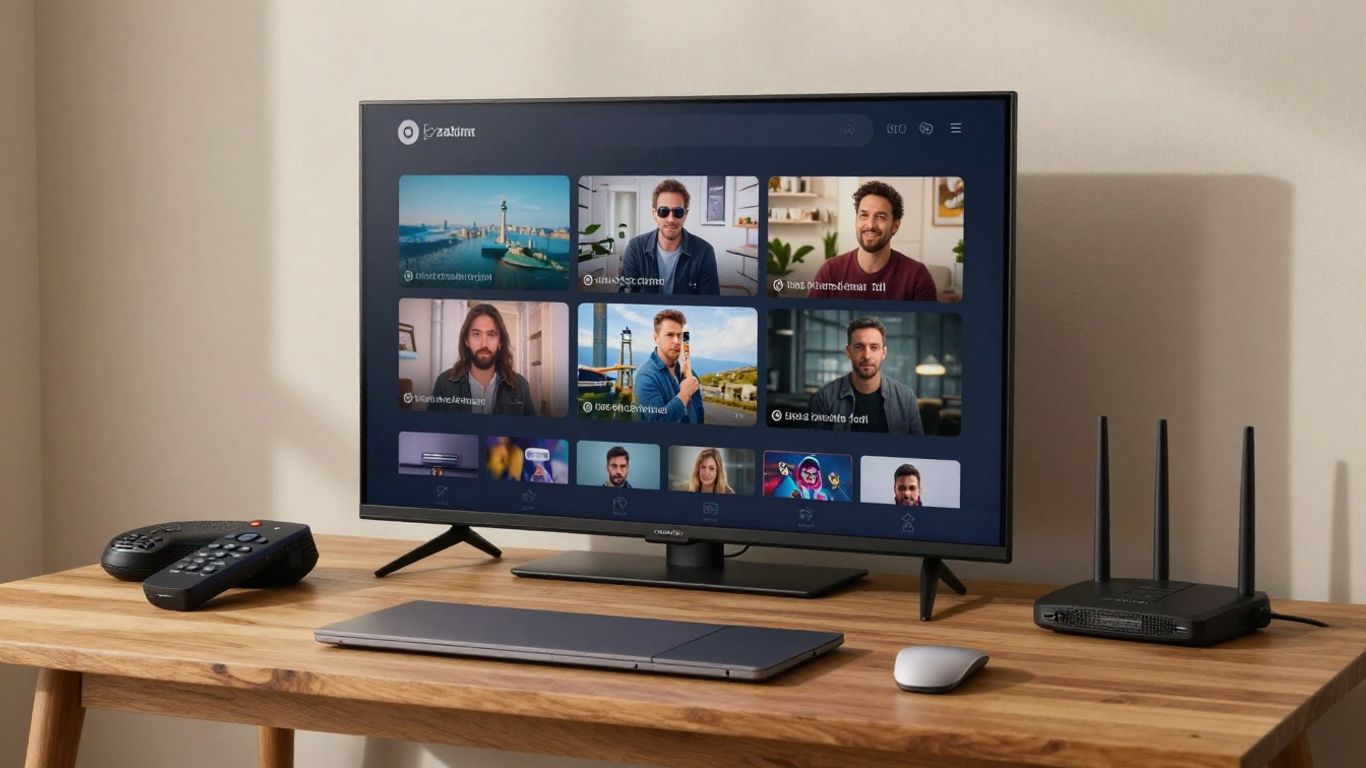
Live TV creates a shared schedule: viewers watch a channel at roughly the same time, and interruptions are immediately visible. Video on demand offers more control but requires a well-maintained catalog, reliable storage, and accurate metadata. A hybrid service combines those needs and often provides the most flexibility, though it also brings more operational work.
List the content people will actually watch before selecting the model. If the audience expects news, sports, or scheduled events, live delivery deserves early testing. If they mainly want films, series, classes, or recorded presentations, search and on-demand playback may matter more than channel count.
Estimating users, channels, devices, and bandwidth
The number of registered accounts is not the same as the number of simultaneous viewers. Estimate peak concurrent use, the number of streams each account may open, video resolutions, and the devices that need support. Include busy periods such as evenings, weekends, or a major live event rather than relying on a daily average.
A simple planning table can keep the first estimate grounded:
| Planning factor | Questions to answer | Why it matters |
|---|---|---|
| Concurrent viewers | What is the expected peak? | Determines delivery capacity |
| Channel and VOD scope | How many live feeds and titles are needed? | Influences processing and storage |
| Device mix | Which TVs, phones, browsers, and boxes are supported? | Shapes testing and app work |
| Video quality | Which resolutions and bitrates are required? | Affects bandwidth and encoding |
These figures are starting assumptions, not permanent limits. Measure real usage during a controlled trial, then revise capacity plans before a marketing push or content expansion.
Identifying content licensing and geographic restrictions
Every stream and title should have a documented right to be distributed through the intended service, territory, and device types. Licensing can limit where content is shown, how long it remains available, whether recording is permitted, and which business model can be used. Those restrictions should be recorded in the content management workflow rather than left in a spreadsheet no one checks.
A provider comparison should therefore include legal documentation, transparent content descriptions, and clear terms. A provider evaluation guide can help frame questions about licensing, stability, content variety, pricing, and trial periods without treating a large catalog as proof of suitability.
Setting performance, security, and uptime expectations
Define acceptable startup time, buffering frequency, stream delay, incident response, and planned maintenance. Security requirements should cover account protection, administrative access, content controls, and privacy practices. If a provider publishes an uptime commitment, ask how it is measured and what support or remedy applies when service falls short.
For a residential audience, IPTVON.ME positions its subscription service around high-quality streaming, anti-freeze technology, a 99% uptime guarantee, 24/7 support, and a 7-day money-back guarantee. Those are stated service commitments and positioning points; they should still be checked against the current terms before purchase.
Evaluating IPTV solution features
Feature comparisons become clearer when they follow the viewer’s journey. A person discovers a program, signs in, starts playback, changes screens, and may later ask for help. The platform must support that journey consistently, while operators need tools to publish content, inspect performance, and manage access. The best choice is rarely the platform with the longest feature list; it is the one that fits the operating model.
Multiscreen and cross-platform compatibility
Cross-platform support should include the devices your audience already owns, not just the devices shown in a sales demonstration. Check phones, tablets, web browsers, smart TVs, streaming boxes, and any dedicated set-top boxes in the requirement brief. Look for consistent navigation and account behavior as viewers move between screens.
Compatibility also includes practical details such as remote-control navigation, captions, audio handling, app updates, and screen-size differences. A platform that works well on one modern television but poorly on older devices may create a large support burden after launch.
Electronic program guides and content management
An electronic program guide helps viewers understand what is on now and what comes next. Its value depends on accurate schedules, useful descriptions, correct time zones, and a publishing workflow that can handle changes. Content management should also support categories, artwork, availability dates, and clear separation between live channels and on-demand titles.
Ask how quickly an operator can correct a listing or remove unavailable content. Good administration is quiet when it works, but it prevents small metadata errors from becoming repeated customer complaints.
Video quality, adaptive streaming, and playback controls
A stream should respond sensibly to the viewer’s connection instead of failing whenever available bandwidth changes. Adaptive streaming can offer different quality levels, allowing playback to continue while the network fluctuates. Resolution alone is not enough: encoding quality, device decoding, latency, and network stability all shape the result.
Playback controls should match the content model. Depending on rights, viewers may need pause, restart, catch-up, subtitles, audio selection, or resume playback. Test each control on real devices and under weaker network conditions, not only on a fast office connection.
User accounts, analytics, and monetization tools
Account features may include profiles, password recovery, concurrent-device rules, parental controls, and subscription status. Analytics should show more than registrations: operators need visibility into starts, exits, buffering, errors, device mix, and peak viewing periods. These signals connect technical quality with actual user behavior.
Monetization depends on the service model and content rights. Common approaches include subscriptions, rentals, advertising, or a combination, but each requires careful billing, entitlement, and reporting workflows. Keep the first release manageable so the team can support customers without creating confusing purchase paths.
Comparing IPTV delivery models
Delivery architecture affects cost, staffing, control, and the speed of future changes. A hosted service may reduce the work required to maintain infrastructure, while a self-managed system can provide more direct control over components and data. Cloud and on-premises choices are not simply technical preferences; they shape contracts, recovery plans, and daily operations.
Hosted IPTV platforms versus self-managed systems
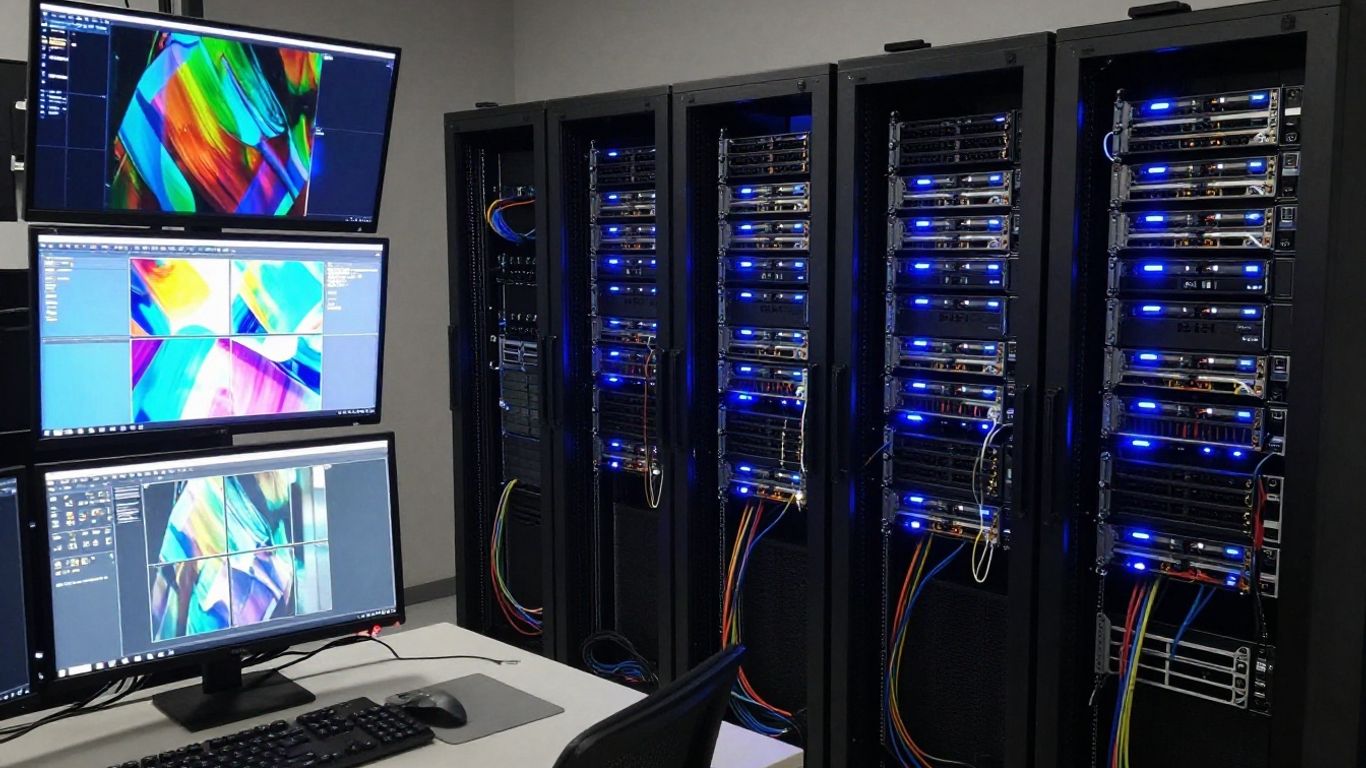
A hosted platform typically places much of the infrastructure, monitoring, maintenance, and scaling work with a provider. That can suit a team that wants to focus on content and customers rather than servers. A self-managed system gives the operator responsibility for hardware, software updates, security configuration, capacity planning, and incident response.
Compare the two models by listing who owns each task. Also ask how data is exported, how support incidents are escalated, and what happens at contract termination. A lower monthly price may not remain lower after staffing, monitoring, backups, and replacement hardware are included.
White-label solutions for businesses and service providers
White-label delivery allows an organization to present a service under its own identity while using an underlying platform. This can be useful for publishers, internet providers, hospitality groups, and businesses building a branded viewing experience. The contract should clarify branding limits, app ownership, customer data access, billing responsibilities, and support boundaries.
Branding is more than a logo. It includes the sign-in flow, navigation language, help content, email messages, and the consistency of the apps across devices. A careful pilot can reveal where the underlying service still feels disconnected from the organization’s customer experience.
Cloud, on-premises, and hybrid deployment options
Cloud deployment can make capacity and geographic distribution easier to adjust, while on-premises infrastructure may suit organizations with existing facilities, private networks, or strict control requirements. A hybrid arrangement can keep selected workloads local while using external delivery capacity where it provides a practical advantage.
The decision should follow traffic patterns, compliance needs, technical skills, and recovery objectives. Document dependencies before migration: encoders, storage, identity systems, applications, monitoring, and content feeds all need a clear place in the design.
How scalability affects long-term costs
Scalability is not only the ability to add viewers. It includes adding channels, higher resolutions, more device types, new territories, support staff, and operational controls without rebuilding the service. Cost models should account for bandwidth, storage, encoding, licenses, app maintenance, customer care, and peak demand.
A useful IPTV hosting planning resource can help organize questions about uptime, bandwidth, security, content delivery, and implementation. Use those questions to build a five-year estimate, then test the estimate against conservative and high-growth scenarios.
Planning the IPTV infrastructure
Infrastructure planning turns a product promise into a repeatable service. The system must ingest or create content, prepare it for playback, deliver it across changing networks, and provide enough monitoring to find failures quickly. The design should be understandable to the team that will operate it, not only to the architect who first drew it.
Selecting encoders, servers, and content delivery networks
Encoders prepare source video for distribution, while servers and storage handle processing, catalog delivery, authentication, and other platform tasks. A content delivery network can place stream segments closer to viewers and reduce pressure on a single origin. The exact arrangement depends on the content source, audience geography, quality targets, and delivery model.
Specify input formats, output profiles, expected peak traffic, retention periods, and recovery needs before buying equipment. This prevents a component from being selected in isolation and later becoming the limiting point in the chain.
Optimizing network capacity and stream stability
Capacity planning should consider peak concurrency, bitrate overhead, retransmissions, and the difference between average and worst-case conditions. On the viewer side, wired connections can help fixed devices, while a well-positioned modern router may improve wireless performance. Monitoring should distinguish a provider-side issue from a local device or home-network problem.
Stability is also a customer-care issue. Give viewers clear troubleshooting steps, keep applications current, and collect enough diagnostic information to avoid asking them to repeat the same basic checks.
Integrating apps, set-top boxes, and smart TVs
An application is the visible part of the service, but integration work continues behind it. Authentication, playback sessions, guide data, billing status, device registration, and remote configuration must remain consistent. Set-top boxes may add controlled television access, while smart-TV apps reduce hardware requirements for some households.
Test installation, sign-in, search, playback, updates, and logout as one journey. Device support should be documented honestly, including operating-system versions and known limitations, so customers know what to expect before subscribing.
Building redundancy, backups, and disaster recovery
Redundancy reduces the chance that one failed component interrupts the entire service. Backups protect configuration, metadata, account records, and other operational data, while disaster recovery defines how the team restores service after a serious incident. Recovery time and recovery point objectives should be written down and tested.
Do not assume that a backup is usable simply because a job completed successfully. Restore selected data, rehearse communication, and confirm that staff can access the required credentials and runbooks during an outage.
Protecting content and user access
Security belongs in the initial design rather than as a final patch. An IPTV service handles accounts, viewing entitlements, content rights, device information, and often payment-related data. Protection must cover both the platform and the people operating it, with controls that are effective without making ordinary viewing frustrating.
Authentication, authorization, and account management
Authentication confirms who is signing in; authorization determines what that account can watch or manage. Use distinct roles for viewers, support staff, editors, and administrators. Strong passwords, secure recovery procedures, session controls, and sensible device limits can reduce account abuse while keeping support manageable.
Review access regularly, especially when staff change roles. Administrative accounts should have only the permissions they need, and important actions should be recorded for later investigation.
Encryption and digital rights management
Encryption protects content while it moves through networks, and digital rights management can enforce usage rules required by licensors. The correct controls depend on the content agreements, supported devices, and distribution model. DRM should be evaluated for its practical effect on playback, application maintenance, and customer support.
Security controls work best when paired with clear operational procedures. Protect keys, restrict access to origin content, update dependencies, and document what happens when a license expires or a title must be removed.
Preventing unauthorized sharing and stream piracy
No single control prevents every form of unauthorized sharing. Operators can reduce exposure through signed sessions, device and concurrency policies, monitoring for unusual usage, protected playback paths, and prompt account responses. These measures should be proportionate and should not punish ordinary customers for occasional network changes.
Also protect the administrative side of the service. Stolen credentials, exposed origin URLs, and outdated applications can create risks that are easier to prevent than to repair after content has spread.
Privacy, compliance, and data-retention considerations
Collect only the information needed to provide, secure, and support the service. Explain retention periods, account controls, cookies, analytics, and any sharing with processors in language customers can understand. Requirements vary by jurisdiction and audience, so legal review should be part of the launch plan.
Create a retention schedule for account, support, device, and viewing data. Limit internal access, protect stored records, and establish a process for handling requests, incidents, and deletion where applicable.
Launching and optimizing an IPTV service
A launch is a controlled transition from a tested system to real users. It should include a limited rollout, clear ownership, support coverage, and a way to pause or reverse changes. After launch, the service needs regular measurement because viewer behavior and device environments change over time.
Testing streams across devices and network conditions
Build a test matrix covering every supported device category, operating-system version, resolution, and playback mode. Include strong and weak connections, wireless and wired networks, peak traffic, account changes, and interrupted sessions. Test live channel transitions as well as starting, pausing, and resuming on-demand content.
Record reproducible details for every failure: device, application version, network type, content, timestamp, and error behavior. That evidence helps engineering and support work from the same facts instead of vague reports of “buffering.”
Designing onboarding, navigation, and customer support
New subscribers should understand how to sign in, choose a device, find content, and get help within minutes. Keep setup instructions specific to each supported platform, and explain network requirements without burying the customer in jargon. Navigation should reflect how people browse, not how the content database happens to be organized.
Support should have prepared answers for activation, playback, billing, device limits, and privacy questions. IPTVON.ME highlights 24/7 customer support as part of its service positioning, a useful reminder that human assistance remains part of the product experience even when the technology is automated.
Tracking quality of experience and viewer engagement
Quality-of-experience metrics can include startup time, rebuffering, playback failures, average bitrate, session exits, and successful channel changes. Engagement measures may include watch time, repeat visits, searches, and the performance of different categories. Read both sets together: a popular title with poor playback deserves a different response from an unpopular title with perfect delivery.
Set a small group of baseline measures before the public rollout. Comparing later results against that baseline makes it easier to identify whether an update improved the service or merely shifted problems to another device group.
Improving performance through analytics and regular updates
Analytics should lead to specific actions. If one application version produces more failures, prioritize a fix; if viewers abandon a category after searching, improve metadata or navigation; if evening demand strains delivery, revisit capacity before the next peak. Small, regular improvements are easier to validate than occasional major changes.
Keep a release calendar for applications, device firmware guidance, security patches, content metadata, and support documentation. A streaming optimization guide offers a natural checklist of stability concerns to revisit as the service matures, while customer feedback adds context that dashboards cannot provide alone.
Conclusion
Choosing an IPTV solution is a practical exercise in matching content, viewers, devices, network capacity, security, and support. Define those needs first, test the complete experience under realistic conditions, and keep measuring after launch. A reliable service is not created by one feature; it is maintained through careful planning and responsive operations.
Frequently Asked Questions
What is an IPTV solution?
An IPTV solution is a system for delivering live television, on-demand video, or both through Internet Protocol networks. It can include content processing, storage, applications, user access, delivery infrastructure, and support tools.
Is IPTV the same as streaming television?
The terms overlap, but IPTV generally describes television delivered over IP networks, while streaming television can include a wider range of internet-based services. The network design, licensing, applications, and access model determine how a particular service operates.
What internet speed does IPTV require?
The requirement depends on resolution, compression, the number of simultaneous streams, and network stability. A provider should state its recommended speed, but testing the complete setup during busy periods is more useful than relying on a single headline number.
Can IPTV work on multiple devices?
Many services support combinations of smart TVs, streaming boxes, phones, tablets, and web browsers. Confirm device compatibility, application availability, account limits, and whether features such as captions or resume playback work consistently across platforms.
What is the difference between live TV and video on demand?
Live TV follows a scheduled broadcast, while video on demand allows the viewer to select and start a title when convenient. A hybrid service combines both and therefore needs scheduling tools as well as catalog, storage, and playback management.
How can IPTV buffering be reduced?
Use a stable connection, keep supported devices and applications updated, reduce unnecessary network traffic, and test whether the issue affects one device or the whole service. Operators should also monitor delivery capacity and playback errors rather than treating every buffering report as a home-network problem.
What should I check before subscribing to an IPTV service?
Check that the content is properly licensed for your location, review supported devices, test playback during any available trial, read service and refund terms, and confirm how customer support can be reached. Pay attention to stability and transparency, not only the size of the channel list.