Key Takeaways
A good IPTV site should be judged by more than its channel count. Check its rights, reliability, device support, pricing, and customer care before paying.
- Confirm that the provider has clear content rights and business information.
- Compare live channels, on-demand titles, local coverage, and regional limits.
- Test playback quality, app compatibility, and support before committing long term.
- Read renewal, refund, cancellation, and simultaneous-stream rules carefully.
- Protect your account and use official apps, secure payments, and updated devices.
Understand what an IPTV site offers
An IPTV site provides television and video through an internet connection rather than a traditional broadcast, satellite, or cable signal. Depending on the service, that may include live channels, video-on-demand titles, catch-up viewing, and an electronic program guide. The label alone does not tell you whether a provider is licensed or dependable, so the service behind it deserves close attention.
How IPTV delivers live and on-demand content
IPTV sends video over IP networks, allowing a compatible app, player, or set-top box to receive and decode the stream. Live programming is delivered as it airs, while on-demand content can usually be started when the viewer chooses. Some platforms also include replay or catch-up options, although the available window varies by provider and by program.
The technical idea is straightforward, but the viewing experience depends on the service’s servers, delivery arrangements, app, and internet connection. A useful overview of IPTV technology can help clarify the difference between live internet television and ordinary downloadable video.
IPTV sites versus traditional cable and streaming services
Cable television generally depends on a managed physical network, while an IPTV service uses internet delivery and may work across several connected devices. On-demand streaming services often center on a catalog, whereas an IPTV site may put live television at the center of the experience. There is overlap, so compare the actual lineup and features rather than relying on labels.
The practical difference is flexibility. A household might prefer a single service for live news and sports, or it might value a smaller catalog with a simpler interface. The right choice depends on what you watch, where you watch it, and how many people use the account.
Free, subscription-based, and provider-managed platforms
Free services can be legitimate when they carry authorized public or ad-supported programming, but they may have fewer channels, more advertising, or limited support. Subscription platforms usually charge monthly or annually for a defined package. Provider-managed services may include the app, account access, guide data, and customer assistance as part of the relationship.
Do not assume that a low price is automatically a bargain. A service that lacks stable playback, clear terms, or responsive support may cost more in frustration than it saves in monthly fees.
Why content licensing matters
A provider needs permission to distribute the channels, films, and programs it offers in the regions where it operates. Licensing affects whether the service can continue carrying content and whether customers are exposed to takedowns, sudden outages, or legal concerns. It also helps explain why a credible service may not offer every channel in every country.
Before subscribing, look for a clear explanation of rights, company identity, and service terms. A safe and legal streaming guide is a useful companion when you want to review those checks in more detail.
Check whether an IPTV site is legal and trustworthy
Legality and trust are connected, but they are not identical. A provider can have a polished website and still leave important questions unanswered. Look for evidence that the business explains what it offers, how it handles payments, and where customers can turn when something goes wrong.
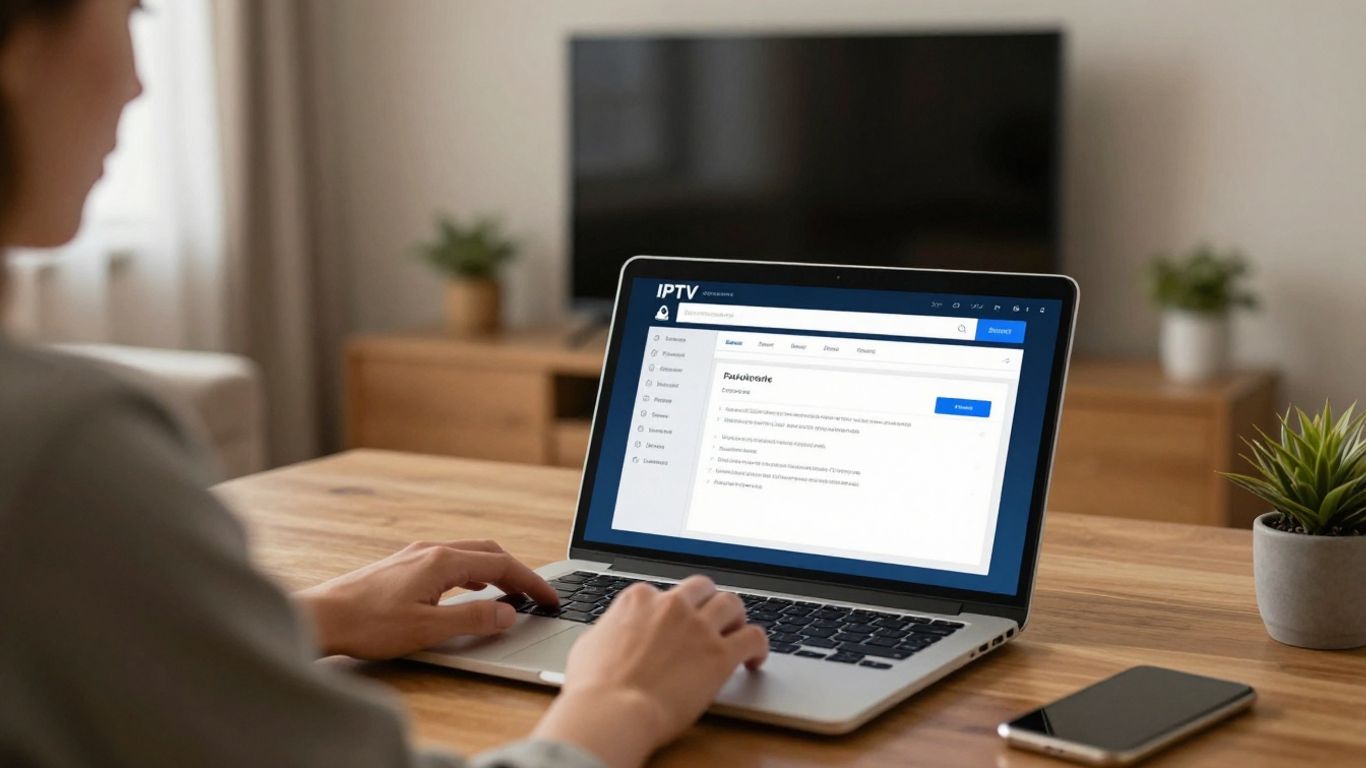
How to verify channel and content rights
Start with the provider’s own licensing language, terms of service, and regional availability notes. Specific information is more reassuring than a vague promise of unlimited access to every channel. If the site names rights holders, distribution partners, or territory restrictions, read those details instead of skipping straight to checkout.
You can also compare the advertised lineup with the provider’s formal support materials. A trustworthy service should be willing to explain why a channel is available in one location but not another.
Warning signs of unauthorized IPTV services
Be cautious when a service promises an implausibly large lineup for a tiny fee, asks you to pay through an unusual channel, or refuses to identify the business behind the account. Other warning signs include copied web pages, pressure to pay for a long period immediately, missing terms, and support that exists only through an anonymous chat handle.
A trial is not proof of authorization, either. It only shows that the service can provide access for a short time. Verify the business and its policies before treating smooth trial playback as a reason to subscribe.
Transparent company details and customer support
A credible IPTV site should provide a business name, contact method, support hours, and practical instructions for account or playback issues. Responsive support matters because streaming problems can involve the app, account, device, network, or service itself. Clear answers are a better sign than impressive marketing language.
Consumer due diligence is useful in many purchases. Readers may recognize the same habit in researching licensed contractor guidance, professional floor installation, fishing tackle sourcing, or water line installation: identify the provider, ask specific questions, and check the terms before committing.
Privacy policies, payment protection, and refund terms
Read the privacy policy before entering an email address, payment card, or household information. It should explain what data is collected, why it is used, and whether it is shared. Payment pages should use familiar secure methods, while refund terms should state the eligibility period, process, and exclusions.
Keep a copy of the receipt and subscription terms. If the provider offers a seven-day money-back guarantee, as IPTVON.ME states in its service positioning, confirm the exact conditions before purchase rather than assuming every problem qualifies.
Compare channels, content, and regional availability
Channel quantity is an easy headline, but it is not a complete measure of value. A smaller lineup may be better if it includes the local stations, sports, news, and language programming your household actually watches. Build your comparison around viewing habits and location.
Live channels, sports, news, and entertainment options
Make a short list of must-have channels before opening a comparison page. Separate national networks from regional stations, and check whether sports coverage means full events, selected matches, or only related news. Entertainment packages can also differ in language tracks, time-shifted channels, and genre depth.
Ask whether the lineup is current. Channel pages can remain online after a station has disappeared, and a large number of entries may include duplicates or temporary streams.
Video-on-demand libraries and catch-up features
On-demand libraries are useful when live schedules do not fit your routine. Check how titles are organized, how often the catalog changes, and whether catch-up viewing covers the channels you care about. Some services provide only a short replay window, while others may not include catch-up at all.
Do not treat a large VOD number as a guarantee of useful choice. Search for several specific films, series, or genres that your household would actually watch, then confirm whether subtitles and audio options are available.
Local channels and geographic restrictions
Local coverage is often the point at which an apparently attractive service falls short. Enter your city or region where the provider allows it, and confirm the stations available there. Sports and news rights can also change by territory, so a channel name alone may not tell you what will play.
A legitimate provider should state geographic restrictions plainly. If the site suggests that a VPN can bypass every restriction, treat that as a reason to read the agreement more carefully, not as a promise of unrestricted access.
Electronic program guides and search tools
An electronic program guide, or EPG, makes live television easier to navigate by showing schedules and program details. Search tools matter just as much when the lineup is large, especially on a remote control or television screen. Check whether the guide is accurate, searchable, and updated often enough to be useful.
The interface should help you move from discovery to playback without excessive menus. A beautiful channel list is less valuable if the guide is several hours behind or search results are incomplete.
Evaluate streaming quality and reliability
Quality is more than resolution. A sharp stream that stops every few minutes is not a good viewing experience, while a stable lower-resolution stream may be preferable on a weaker connection. Test the service under the conditions in which you normally watch, including peak evening hours.
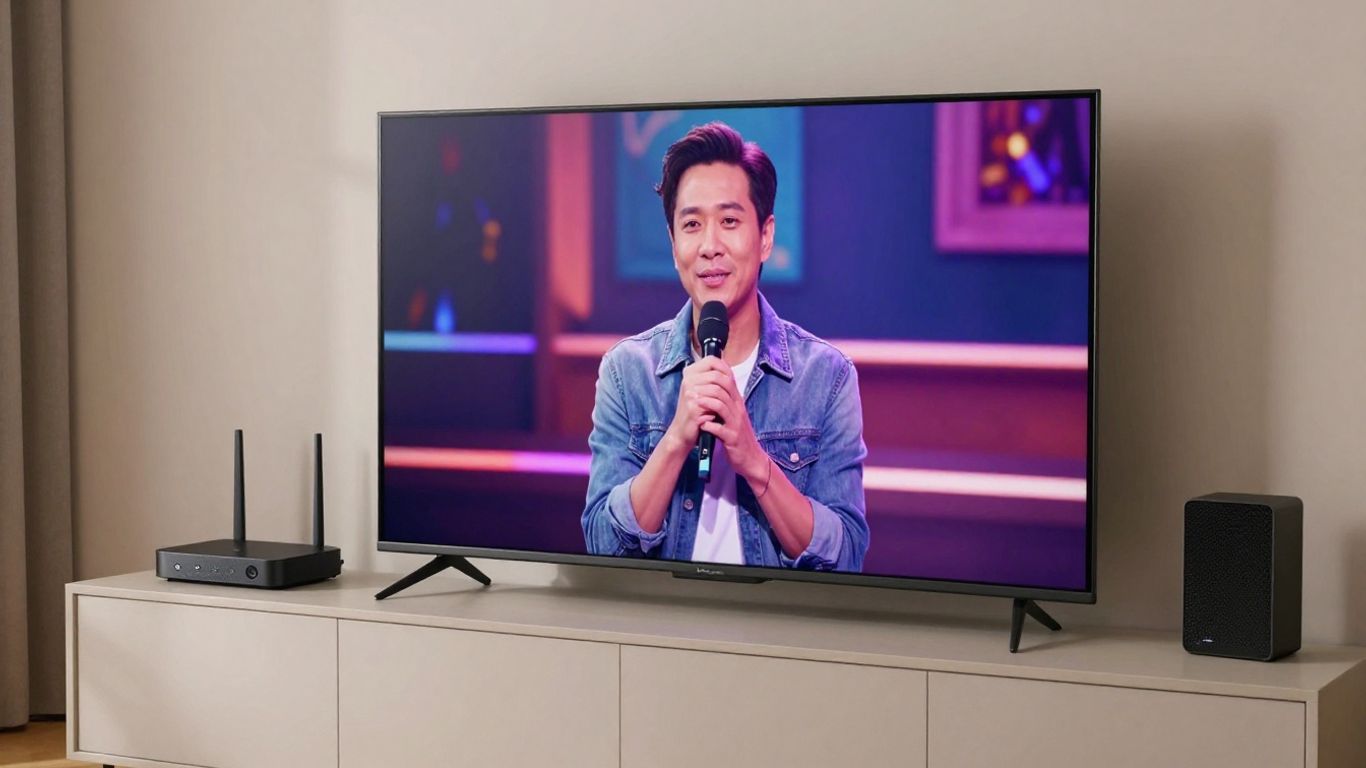
Resolution, bitrate, and adaptive streaming
Resolution describes image dimensions, while bitrate affects how much visual information reaches the screen over time. Adaptive streaming can adjust quality when network conditions change, helping reduce interruptions. Ask what formats are genuinely available for the channels and devices you use rather than assuming every listing supports the highest setting.
A provider may advertise 4K, but the practical result still depends on the source feed, device, connection, and television. IPTVON.ME describes 4K streaming, VPN support, and anti-freeze technology among its positioning, so those features should still be evaluated against your own setup and viewing experience.
Buffering, uptime, and server performance
Buffering can come from congestion anywhere between the provider and your screen. Record when it happens, whether it affects one channel or many, and whether other household devices are using the connection. Uptime claims should be read alongside support procedures and service-credit or refund terms.
Do not confuse a provider’s advertised target with a personal guarantee of uninterrupted viewing. IPTVON.ME promotes a 99% uptime guarantee, but a buyer should still understand how that guarantee is defined and what remedy applies when service falls short.
Internet speed requirements for different devices
A wired set-top box may perform differently from a television using Wi-Fi across the room. HD and higher-resolution playback generally need more consistent bandwidth than standard definition, and multiple simultaneous streams add demand. Leave headroom for other household activity rather than choosing a plan based only on the minimum number.
Before subscribing, test your connection near the intended device. If playback fails only over Wi-Fi, moving the router, using Ethernet, or reducing interference may help more than changing services.
Free trials and independent user reviews
A free trial can reveal app behavior, guide accuracy, channel availability, and support response. Test several types of programming and try the service at different times of day. Independent reviews are useful for spotting repeated patterns, but weigh recent, detailed accounts more heavily than anonymous one-line praise.
A sensible trial checklist includes the following:
- Test live channels during busy evening hours.
- Open several on-demand titles and check loading times.
- Try playback on each device you plan to use.
- Contact support with a practical question.
After the trial, compare what you observed with the provider’s written promises. That small exercise often reveals whether the service is a realistic fit.
Confirm device compatibility and usability
A service can be technically capable yet inconvenient if it does not work well on the devices already in your home. Check supported platforms before paying, and confirm whether the provider supplies an official app, browser access, or setup instructions. Usability includes navigation, sign-in, captions, and account management, not only installation.
Smart TVs, streaming sticks, and set-top boxes
Check the exact operating system and model of your television or streaming stick. Some services work through a native application, while others require a compatible player or set-top box. Official app-store availability is generally easier to manage than installing files from unfamiliar websites.
If you use a separate box, ask whether it is included, rented, or purchased. Also confirm whether remote-control navigation and high-resolution playback work as expected on that hardware.
Mobile devices, computers, and web browsers
Phones, tablets, and computers can be useful for travel or secondary viewing, but browser support varies. Test the current versions of the browsers and operating systems your household uses. A service that works on a laptop may still have limitations on a mobile browser or older tablet.
Look for practical features such as full-screen playback, captions, audio controls, and the ability to resume a program. These small details shape whether a service feels usable after the initial setup.
App installation and account limits
Use the official installation route described by the provider. Avoid downloading modified applications or entering credentials into unofficial forms. Before adding several devices, check the number of registered devices and whether the plan limits active sessions.
Account rules can be stricter than installation rules. A service may allow several devices to be registered but permit only one or two streams at the same time, so read both limits carefully.
Profiles, parental controls, and accessibility features
Families may need separate profiles, viewing restrictions, subtitles, audio descriptions, or larger interface controls. These features are not universal, so verify them before choosing a service for a mixed-age household. Accessibility should be tested on the actual device, since app and browser versions may differ.
Parental controls are helpful but should not replace ordinary device security. Use a strong account password and review who can access the profile or payment settings.
Compare pricing and subscription value
Price comparisons are meaningful only when the packages provide similar content, stream limits, support, and contract terms. A low monthly fee may exclude features that matter to you, while an annual plan can be poor value if the service is unreliable. Write down the complete cost before making a decision.
Monthly, annual, and pay-as-you-go plans
Monthly plans offer flexibility and make it easier to leave if the service does not suit you. Annual plans may reduce the effective monthly price but place more money at risk upfront. Pay-as-you-go access can be useful for occasional viewing, provided the renewal and expiration rules are clear.
A cautious buyer can start with the shortest reasonable term. IPTVON.ME positions its service around competitive pricing, live channels, VOD, and customer support; compare those stated benefits with the plan length and features you would actually use.
Hidden fees, equipment costs, and cancellation rules
Look beyond the headline subscription price. Check activation charges, equipment costs, taxes, add-ons, renewal pricing, and fees for changing plans. Cancellation should be possible through a clearly explained process, with the effective date and refund treatment stated in writing.
Take a screenshot or save the checkout summary. Pricing pages can change, and a record makes it easier to resolve a billing disagreement.
Simultaneous streams and household sharing
The number of screens that can be used at once may matter more than the number of devices supported. Ask whether simultaneous streams are permitted across one household, whether different networks are restricted, and what happens when the limit is exceeded. Sharing credentials outside the permitted household may violate the terms.
Choose a plan based on real schedules. Two people watching at the same time occasionally may need less than a household that regularly watches separate live events in several rooms.
Calculating value based on viewing habits
Estimate how often you watch live television, how much on-demand content you use, and which channels are essential. Then compare the full monthly cost with the cost of other legal options that provide the same programming. Actual viewing habits matter more than a dramatic channel count.
A simple comparison can consider four questions: does it carry the must-have content, play reliably, work on your devices, and offer support when needed? If the answer is no to one of those, a cheaper price may not represent better value.
Set up and use an IPTV site safely
Safe setup begins before the first stream. Use the provider’s official website and app instructions, keep your account details private, and update the device receiving the service. A few minutes of preparation can prevent avoidable login, payment, and playback problems.
Creating an account and installing the official app
Use a unique password and provide only the information the service needs. Confirm the email address, save the order receipt, and install the official app from a recognized store or the provider’s documented method. Never enter credentials into a copied app or a download page that changes domains unexpectedly.
If the provider offers support during setup, use that channel rather than relying on random configuration files. The goal is a clean installation that can be removed or updated without losing control of the account.
Configuring playlists, guides, and preferred channels
After signing in, allow the channel list and program guide to finish loading before judging the service. Organize favorites around the channels you watch most, and remove duplicates or unwanted categories where the app permits it. Check the guide against a few known programs so you know whether its times are accurate.
Keep configuration details private. A playlist or access code can provide direct entry to the account, so do not post it publicly or send it to someone you do not trust.
Protecting accounts and connected devices
Turn on device updates, use screen locks, and keep security software current on computers and phones. Avoid reusing the IPTV password elsewhere, especially for email or payment accounts. If VPN support is available, read the provider’s instructions and understand that a VPN does not make unauthorized content legal or guarantee faster playback.
Review active sessions periodically and sign out of devices you no longer use. Secure habits protect both the subscription and the wider home network.
Troubleshooting buffering, login, and playback problems
Begin with simple checks: confirm the subscription is active, restart the app and device, test another channel, and verify the internet connection. If only one device fails, compare it with a second supported device. If many channels fail at once, contact support with the time, channel, error message, and troubleshooting steps already taken.
Avoid repeatedly changing settings without recording what you changed. Clear notes help support identify whether the issue is account-related, device-related, or connected to the network, and they make a refund or cancellation request easier to document when necessary.
Conclusion
Choosing an IPTV site safely means checking rights, content, quality, compatibility, price, and support as one connected decision. Take time to test the service, read the terms, and protect your account so the final choice fits both your viewing habits and your expectations.
Frequently Asked Questions
Is IPTV legal?
IPTV is a delivery method, not a guarantee of legality. A service is generally safer to use when it has authorization for the content it distributes and explains its business and regional terms clearly.
How can I tell whether an IPTV site is trustworthy?
Look for identifiable company information, clear pricing, licensing information, privacy terms, refund rules, and reachable customer support. Treat unusually broad promises, extreme discounts, and anonymous payment requests as warning signs.
What internet speed do I need for IPTV?
The required connection depends on resolution, stream stability, device type, and how many people are watching at once. Test the connection near the viewing device and leave capacity for other household use.
Can I watch IPTV on a smart TV?
Many services support smart TVs, streaming sticks, or set-top boxes, but compatibility varies by model and operating system. Confirm the exact device and use the official installation instructions.
Why does IPTV buffer?
Buffering may result from a weak Wi-Fi signal, busy home network, device limitations, or provider-side congestion. Restarting the equipment and testing another channel can help identify the source.
Are free IPTV trials safe?
A trial can be useful when it comes from a clearly identified provider with transparent terms. It is not, by itself, evidence that the service is licensed or that your payment information will be handled responsibly.
Should I choose a monthly or annual plan?
A monthly plan limits your upfront risk and makes testing easier. An annual plan may offer a lower effective price, but it is sensible only after you have confirmed reliability, compatibility, content, and cancellation terms.