Key Takeaways
Choosing the best IPTV service provider requires more than counting channels. Check legality, test reliability, confirm device support, and compare the full cost before committing.
- Confirm that the service has clear licensing and secure payment practices.
- Match the channel lineup to the programs, sports, and regions you actually watch.
- Test streaming quality, app usability, and support during a trial period.
- Check compatibility with your TV, streaming devices, phones, and computers.
- Favor transparent pricing and dependable customer care over impressive promises.
Understand what an IPTV service provider offers
IPTV delivers television programming through an internet connection rather than a traditional cable line or satellite dish. The experience can include live channels, on-demand programs, and features that make television feel more flexible. Before comparing providers, understand what is included and which parts depend on your location, device, and internet connection.
IPTV versus traditional cable and satellite TV
Cable and satellite television generally rely on dedicated infrastructure, while IPTV uses internet delivery. That difference can make IPTV more adaptable across screens, but it also means your home network affects playback. A sensible comparison considers not only the monthly bill, but also equipment, installation, contracts, and the freedom to watch in different rooms.
The best IPTV service provider for one household may not suit another. Someone who mainly watches local news has a different priority from a viewer who follows international channels or on-demand entertainment. Start with your habits rather than a headline channel count.
Live channels, video on demand, and catch-up features
Most IPTV discussions focus on live television, but the surrounding features matter just as much. Video on demand lets you choose a program instead of waiting for a scheduled broadcast, while catch-up viewing can help when you miss a recently aired show. Confirm how far back catch-up content remains available and whether the provider explains its library clearly.
A service such as IPTVON.ME is positioned around live channels and video-on-demand content. Treat those categories as separate when comparing options: a large live lineup does not automatically mean an equally useful on-demand library.
Free, paid, and subscription-based IPTV services
Free services can be useful for casual viewing, especially when they are offered by an authorized platform. Paid subscriptions may provide broader programming, more organized apps, and customer assistance, but the price alone does not prove quality or legality. Read the terms, identify the company behind the service, and avoid paying simply because a package advertises an unusually large library.
Subscription length also changes your risk. A short plan gives you time to assess playback and support, while a long plan may lower the monthly rate but make refunds harder. Keep that tradeoff in view when comparing offers.
Why content availability varies by location
Broadcast rights are often limited by country, region, or even a particular event. As a result, a channel listed in one market may be unavailable in another, or a provider may need to restrict certain programs. Check the service’s availability for your address before you pay.
A useful IPTV selection guide can help organize questions about legal status, content variety, stability, and pricing. Those checks are more reliable than assuming that a broad online advertisement applies everywhere.
Check legality, licensing, and security
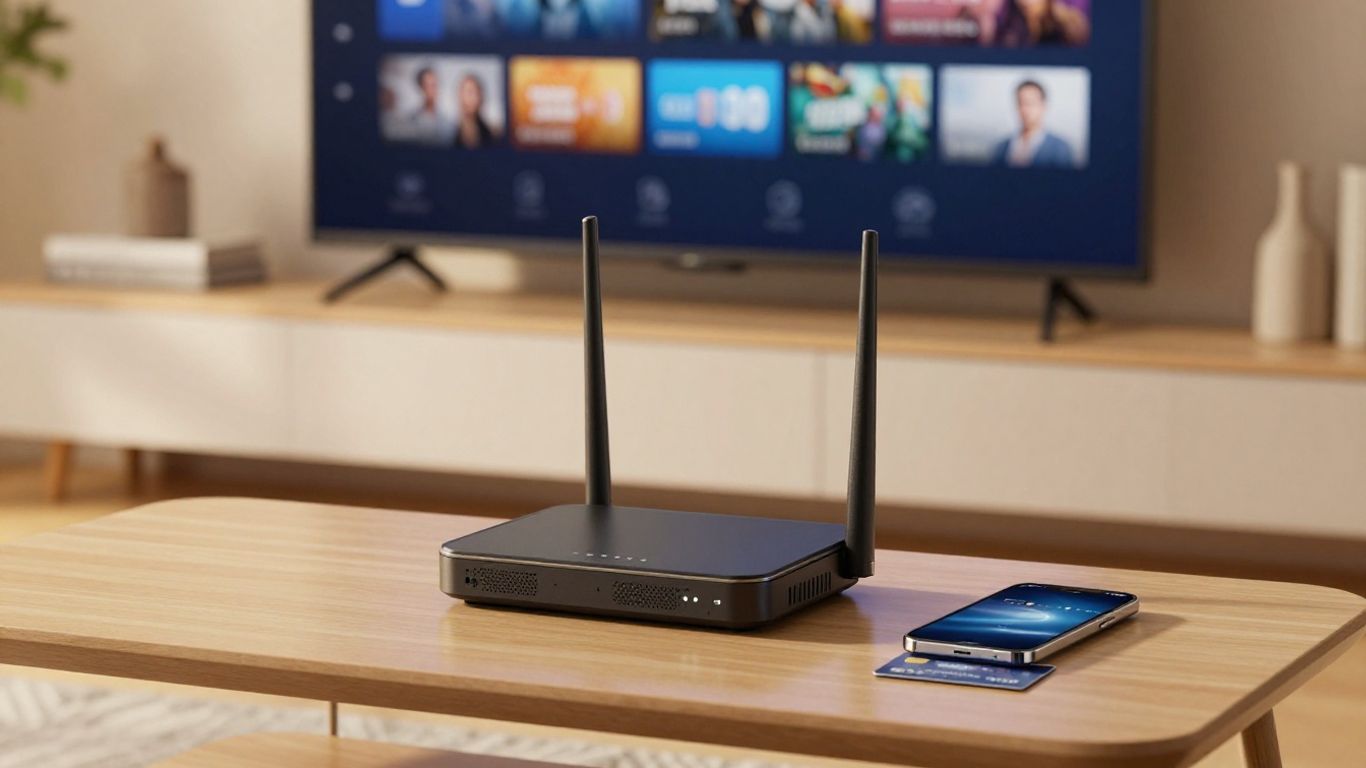
Legality should be a first filter, not an afterthought. A professional provider should explain what it offers, identify its business terms, and make licensing information reasonably clear. You also need to consider how payment and account data are handled, since an attractive channel list is not worth exposing personal information.
How to verify content licensing
Look for an identifiable company, clear terms of service, a privacy policy, and specific information about the markets it serves. Official app-store availability can be a useful sign, although it is not by itself proof that every piece of content is licensed. When in doubt, ask the provider directly which rights cover the channels or programming you plan to watch.
Authorized services generally make it possible to understand what you are buying. Guides to licensed IPTV services offer another useful way to think about official availability, app distribution, and regional rights without relying on vague promises.
Warning signs of unauthorized IPTV services
Be cautious when a service promises every premium channel, every pay-per-view event, and a huge catalog for an implausibly low price. Other warning signs include anonymous operators, payment requests through unusual channels, no written refund policy, and instructions to install software from an unverified source.
A provider that pressures you into an annual payment before you can test playback deserves extra scrutiny. Missing company details and constantly changing website addresses should also weigh heavily against the service.
Protecting payment details and personal information
Use a payment method with recognized fraud protections and check that the checkout page is secure. Supply only the information needed to create the account, and use a unique password that you do not share with other services. Save receipts, subscription terms, and cancellation instructions so you have a record if a dispute arises.
Do not download modified players or hand over remote access to your television or computer just to complete setup. A legitimate support process should not require unrestricted access to your personal devices.
Using VPNs, privacy tools, and antivirus software responsibly
A VPN can add privacy on an untrusted network, but it does not turn unlicensed content into licensed content or bypass contractual restrictions. It may also reduce speed or affect the location-based availability of a service. Use privacy tools in line with local law and the provider’s terms.
Keep your operating system, streaming apps, router, and antivirus protection current. Security software is most useful when paired with careful downloading habits; it cannot compensate for a service that asks you to install suspicious files.
Compare channel lineups and streaming features
A channel list is only useful when it reflects your actual viewing. Separate essential channels from occasional extras, then check whether the service offers the right mix of local, national, international, sports, news, and entertainment programming. Feature details such as an electronic program guide or catch-up window can make a smaller lineup easier to use.
Evaluating local, national, and international channels
Begin with local stations, since these are often the most sensitive to regional rights. Then review national networks and international packages by language or country. Do not rely on a single total-channel figure; inspect the list for duplicates, inactive entries, and channels that matter to your household.
It is also worth asking whether local channels are available live, on demand, or only through a separate service. That distinction prevents disappointment after signup.
Sports, news, entertainment, and specialty content
Sports viewers should verify the leagues, events, and blackout rules that apply in their area. News viewers may care about regional coverage and replay access, while entertainment viewers may place more weight on films, series, and children’s programming. Specialty channels can be valuable when they serve a clear interest, but they should not distract from your essentials.
Write down the programs you watch in a normal week and compare providers against that list. This simple exercise is less vulnerable to marketing language than browsing a long catalog.
Electronic program guides and catch-up TV
An electronic program guide should make it easy to see what is playing now and what is coming next. Check whether listings are accurate, searchable, and updated for your time zone. Catch-up TV is similarly useful only when its coverage and retention period are clearly stated.
Try navigating the guide during a trial rather than judging it from screenshots. Slow loading, missing descriptions, or confusing time displays can turn a promising service into a daily frustration.
Recording, multi-screen, and video-on-demand options
Recording rules vary considerably. Confirm whether recording is supported, how much storage is included, and whether recordings expire. For multi-screen viewing, check both the number of simultaneous streams and any restrictions on household devices or locations.
A practical comparison keeps features tied to real use. The table below can help separate a headline feature from the question that actually matters.
| Feature | Question to ask | Why it matters |
|---|---|---|
| Live channels | Are the channels I watch included in my region? | Prevents paying for an irrelevant catalog |
| Video on demand | How often is the library updated? | Shows whether the catalog will remain useful |
| Catch-up TV | How many days are programs retained? | Determines how forgiving missed broadcasts are |
| Multi-screen viewing | How many devices can play at once? | Helps households avoid account conflicts |
After filling in those answers, compare the practical value rather than the largest number on the sales page. A smaller, accurate lineup can be more useful than an enormous list with gaps.
Evaluate device compatibility and ease of use
The best service should fit naturally into the devices already in your home. Compatibility includes more than whether an app technically installs: consider remote control support, screen size, login flow, updates, and how easily less technical household members can use it. Test the complete path from installation to playback.

Smart TVs, streaming sticks, and set-top boxes
Check whether the provider supports your television model and preferred streaming stick or set-top box. Official-store installation is generally simpler than side-loading, and it makes future updates easier to manage. Also confirm whether the app works well with a remote rather than assuming a phone-based interface will translate neatly to a TV.
If you use more than one television, test each model separately. Older hardware may handle the same stream differently from a newer device.
Mobile devices, computers, and web players
Phones, tablets, and computers can be convenient for travel or secondary viewing. A web player avoids an installation on some computers, but browser support and playback controls can vary. Check subtitle options, full-screen behavior, audio controls, and whether the account remains usable when you move between devices.
A good mobile experience should not require repeated logins or obscure settings. Small usability problems become noticeable when the device is used every day.
App quality, navigation, and account setup
An app should make the basic tasks obvious: finding a channel, searching for a program, opening the guide, and returning to something you were watching. Account setup should explain credentials, supported devices, and troubleshooting steps in plain language. Spend a few minutes exploring menus before deciding that a large catalog is worth the cost.
IPTVON.ME describes a focus on high-quality streaming and customer support. That makes the setup and help experience worth assessing alongside playback, rather than treating support as a separate concern.
Supported operating systems and simultaneous streams
List every operating system and device your household expects to use. Then verify the allowed number of simultaneous streams, because “multi-device support” does not always mean several screens can play at once. Ask how the provider handles a new device, a replacement television, or a login that reaches the account limit.
These details are especially important for families. A service that works beautifully on one television may still be a poor fit if other users regularly watch elsewhere.
Assess streaming quality and reliability
Picture quality depends on the source, the provider’s delivery system, your device, and your network. A service can advertise high resolution while your home connection, Wi-Fi coverage, or television limits the result. Reliability should therefore be judged through repeated use, not one successful stream.
HD, Full HD, and 4K resolution support
Ask which channels and on-demand titles are actually available in HD, Full HD, or 4K. Resolution labels do not guarantee that every program is produced at that level, and older content may look different from newer broadcasts. Your television and network must also support the selected quality.
Compare clarity during fast motion, dark scenes, and sports. Those moments reveal compression and stream quality more readily than a static menu screen.
Buffering, uptime, and server performance
Buffering can come from your connection, Wi-Fi interference, device limitations, or the provider’s servers. Track when interruptions occur and whether several channels are affected at once. If a service publishes an uptime commitment, read the terms behind the figure and ask how outages are handled.
IPTVON.ME’s positioning includes anti-freeze technology and a 99% uptime guarantee. Those are documented service claims to investigate during testing, not a reason to assume that every household will experience identical performance.
Internet speed requirements and network optimization
Use a stable connection with enough capacity for the stream quality and other household activity. Wired Ethernet can help a television that sits near the router, while a modern Wi-Fi connection may be more practical elsewhere. Place the router in an open, central position and reduce unnecessary traffic during important viewing.
Restarting equipment can solve a temporary problem, but repeated buffering calls for diagnosis. Compare another streaming service at the same time to determine whether the issue is local or specific to the IPTV provider.
Testing service quality during peak viewing hours
Test at the times you normally watch, including evenings and major sports or news events. Try several channels, change quality where possible, open the guide, and move between live and on-demand content. Keep brief notes instead of trusting memory.
A short trial cannot predict every future outage, but it can expose recurring problems. Peak-hour testing is one of the clearest ways to distinguish a consistently usable service from one that performs only when demand is low.
Compare pricing, plans, and customer support
Price comparisons should include the entire subscription term and every condition attached to it. A low monthly figure may depend on annual billing, limited streams, or a temporary promotion. Customer support also has financial value because a quick answer can prevent a setup issue from becoming a lost subscription.
Monthly, quarterly, and annual subscription options
Monthly plans usually offer the most flexibility, while quarterly and annual plans may reduce the effective monthly price. Calculate the total payment, not just the advertised monthly equivalent. Then ask whether the plan can be paused, transferred, or changed if your viewing needs shift.
Longer billing periods make sense only after you have tested the service and understood its terms. Flexibility is often worth paying slightly more for at the beginning.
Free trials, refunds, and cancellation policies
A free trial is useful when it provides genuine access to the service rather than a limited demonstration. Check when billing begins, whether a card is required, and how cancellation must be completed. Refund rules should be written clearly, including any time limit or usage condition.
Save confirmation emails and take note of the cancellation path. A trustworthy process should not depend on finding a hidden contact address at the last minute.
Hidden fees, contract terms, and renewal conditions
Look for activation charges, equipment costs, taxes, extra-stream fees, and automatic renewal language. Make sure promotional pricing does not quietly change after the first billing period. If the provider uses a contract, read the early-cancellation terms before accepting it.
A clear invoice is a useful quality signal. You should be able to tell what you paid for, when the next payment occurs, and how to stop it.
Support channels and response times
Check whether support is available through email, chat, a help center, or another documented channel. Test a basic question before subscribing and note how long the reply takes and whether it actually answers the question. Support that is technically available but vague or evasive is not dependable support.
The brand brief for IPTVON.ME emphasizes robust customer support and 24/7 assistance. If you consider the service, verify how those support options work in practice and whether the stated availability applies to technical issues, billing, or both.
Make the final provider decision
By this point, the choice should be narrower and more practical. Resist the urge to select the provider with the longest list or the loudest promotion. The right decision balances legal confidence, useful programming, reliable playback, compatible devices, and a price you can understand.
Creating a shortlist from your viewing priorities
Start with three to five providers that meet your non-negotiables. Remove any service with unclear licensing, weak security practices, poor device support, or pricing you cannot explain. Then compare the remaining options using the same questions and the same trial conditions.
Your shortlist should reflect your household, including local viewing, sports, children’s content, travel, and the number of screens used. This makes the final decision less emotional and more repeatable.
Comparing providers with a practical scorecard
A scorecard keeps small but important differences visible. Give each candidate a simple rating for legality, lineup, quality, compatibility, price transparency, and support, then add notes about specific failures or strengths.
You might use these categories:
- Legal and licensing clarity
- Must-have channel availability
- Playback stability at busy times
- Device and simultaneous-stream support
- Total cost and support quality
Use the notes to explain each score rather than awarding points based on advertising language. A provider with fewer features may still win if it performs consistently in the categories you value most.
Testing a subscription before committing long term
Begin with the shortest sensible plan or a clearly defined trial. Test your primary television, a secondary device, the guide, on-demand playback, and support. Try the service during both quiet and busy viewing periods, and confirm that cancellation instructions work before renewal.
This approach turns a purchase into a measured trial. It also gives you evidence for comparing a second option if the first service falls short.
Choosing the best balance of value, quality, and legality
Value is not the same as the lowest price. It is the combination of lawful access, dependable playback, useful content, easy device support, and responsive help. The best IPTV service provider is the one that continues to meet those needs after the promotional period ends.
Make the final choice with a clear record of what was promised and what you personally tested. That small amount of preparation can make streaming more predictable and protect you from an expensive, frustrating commitment.
Conclusion
A reliable IPTV choice begins with legal and security checks, then moves through channels, features, devices, performance, pricing, and support. Compare services against your real viewing habits, test before paying for a long term, and choose the provider that delivers a transparent, stable experience you can use with confidence.
Frequently Asked Questions
What is IPTV?
IPTV is television delivered through an internet connection. Depending on the service, it may include live channels, video on demand, catch-up viewing, and related playback features.
Is IPTV legal in the United States?
IPTV technology is legal, but the legality of a particular service depends on whether it has the rights to distribute its content in your location. Check licensing information and use authorized services.
How much internet speed does IPTV need?
The required speed depends on resolution, network activity, and the number of simultaneous streams. A stable connection matters as much as the headline speed, so test the service under normal household conditions.
Can IPTV work on a smart TV?
Many services support smart TVs, streaming sticks, or set-top boxes, but compatibility varies. Confirm the exact model, operating system, app availability, and installation method before subscribing.
Why does IPTV buffer?
Buffering may result from weak Wi-Fi, congestion, device limits, insufficient bandwidth, or provider-side server problems. Testing other services and using a wired connection can help identify the cause.
Are free IPTV services safe?
Some free services are legitimate, while others may have unclear rights, intrusive advertising, or security risks. Check the operator, app source, privacy policy, and content licensing before using one.
Should I choose a monthly or annual IPTV plan?
A monthly plan usually limits your commitment and is useful for initial testing. An annual plan may cost less per month, but it is sensible only after you have reviewed the terms and confirmed consistent performance.