Estimated reading time: 8 minutes
Key Takeaways
- IPTV Basics: Understand what IPTV is and how it functions.
- Firestick Benefits: Discover why Firestick is a popular choice for IPTV.
- Recognizing Legitimacy: Learn how to identify legal IPTV providers.
- Setup Steps: Follow a simple guide to set up IPTV on Firestick.
- Safety Tips: Safeguard yourself against illegal IPTV risks.
Table of Contents
What is IPTV and Why Choose Firestick?
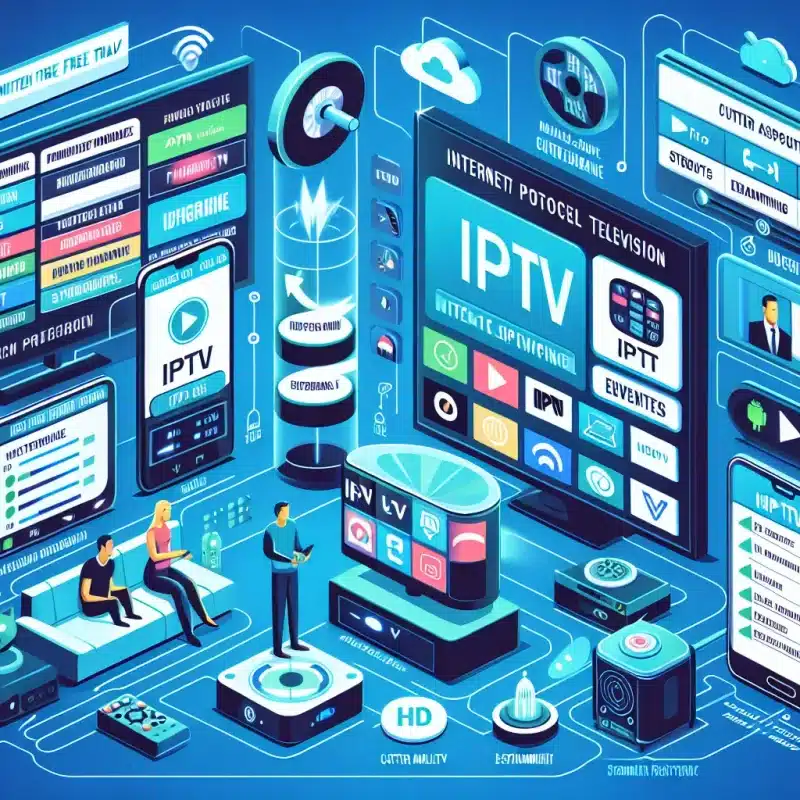
_IPTV (Internet Protocol Television)_ delivers TV programming via internet connections rather than traditional cable or satellite signals. When used with Firestick, IPTV transforms your TV into a complete entertainment hub through various streaming apps [source].
Firestick is an ideal IPTV platform because it’s:
- Affordable and portable
- Simple to set up on any HDMI TV
- Pre-loaded with apps from legal providers
- Optimized for smooth streaming performance
Legal IPTV Services Available on Firestick
These providers offer official Firestick apps and operate with proper licensing in the USA [source]:
YouTube TV
- 100+ channels including local networks
- Unlimited cloud DVR storage
- Up to 6 accounts per household
- Official Fire TV app available
Hulu + Live TV
- 75+ live channels plus Hulu streaming library
- Includes Disney+ and ESPN+
- 50 hours of cloud DVR
- Native Firestick support
Sling TV
- 30-50+ channels depending on package
- Lower cost than traditional cable
- Flexible channel bundles
- Available through Amazon Appstore
How to Identify Legal IPTV Services
Watch for these signs of legitimate providers [source]:
Clear Licensing
- Partnerships with major networks openly disclosed
- Content rights properly secured and stated
- Transparent business operations
Official Distribution
- Apps available in Amazon Appstore
- No requirement for suspicious third-party downloads
- Regular updates and maintenance
Standard Pricing
- Monthly fees similar to other streaming services
- Clear billing practices
- No unrealistic “all channels for $10” offers
Setting Up Legal IPTV on Your Firestick
Follow these steps for safe installation:
- Access Amazon Appstore from your Firestick
- Search for your chosen provider (YouTube TV, Hulu, etc.)
- Download the official app
- Sign up for service through provider’s website
- Log in to activate your subscription
Important Safety Considerations
Protect yourself by avoiding [source]:
- Unofficial APK files from unknown sources
- Services requiring manual server configurations
- Providers without clear licensing information
- Too-good-to-be-true pricing schemes
FAQs About Legal IPTV
Is IPTV legal in the USA?
Yes, when using licensed providers like YouTube TV, Hulu, or Sling TV through official apps.
What happens if I use illegal IPTV services?
You risk malware infection, poor service quality, and potential legal consequences including fines.
Can I get local channels through legal IPTV?
Yes, most licensed providers include local network affiliates in their packages [source].
Conclusion
Stick with trusted names in the streaming industry for your Firestick IPTV needs. The small premium over questionable services pays off through reliable performance, proper support, and peace of mind knowing you’re streaming legally.
Remember to always install apps through the Amazon Appstore and verify provider credentials before subscribing. This ensures the best possible streaming experience while maintaining full compliance with U.S. laws and regulations.