How to setup IPTV on Fire TV Stick
1: From the home screen of your device, hover over the Find option.
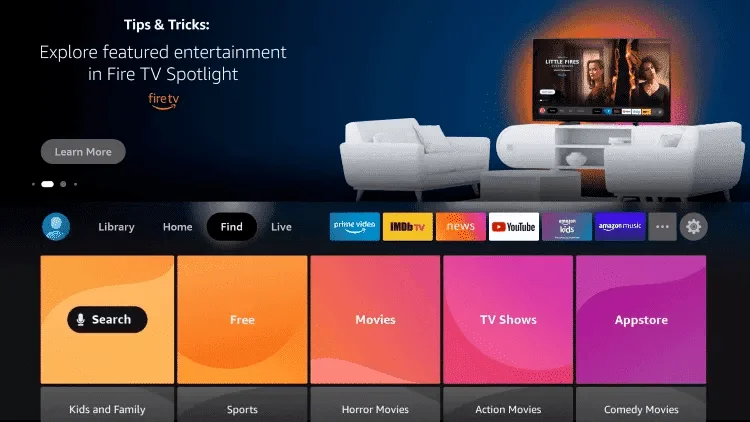
2. Click Search.
3. Search for and select Downloader.
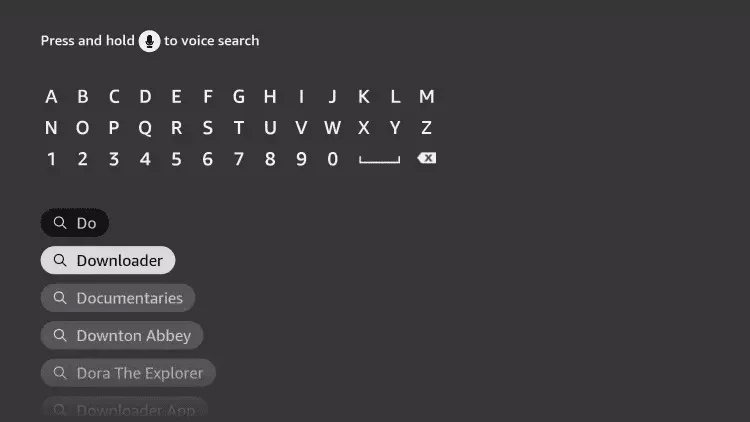
4. Choose the Downloader app.
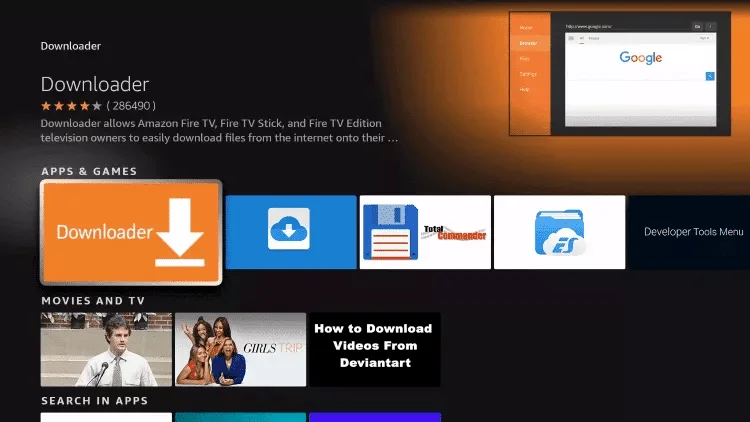
5. Click Download.
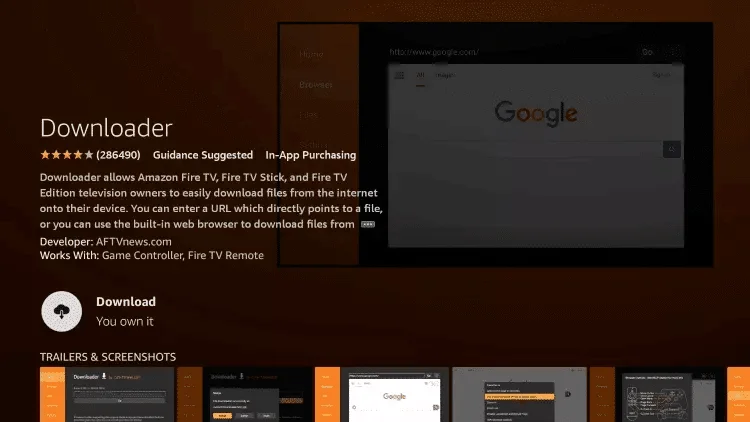
6. Once the app finishes installing click Open.
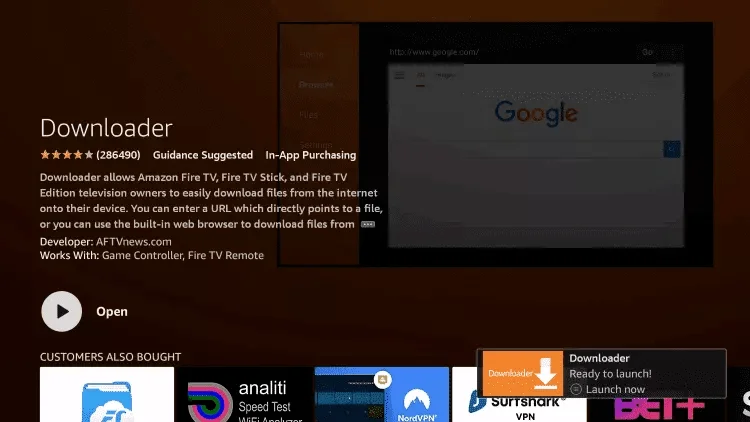
7. Return to the home screen and open Settings.
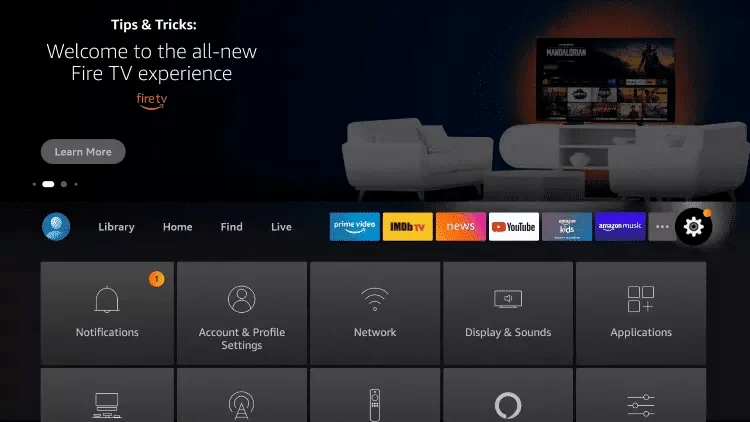
8. Click My Fire TV.
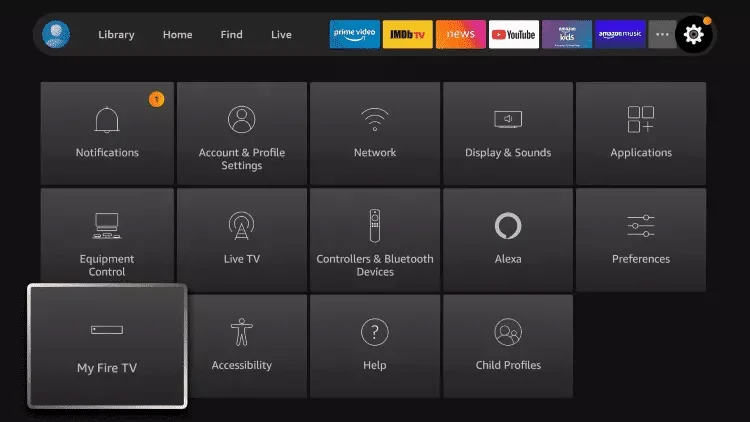
9. Choose Developer options.
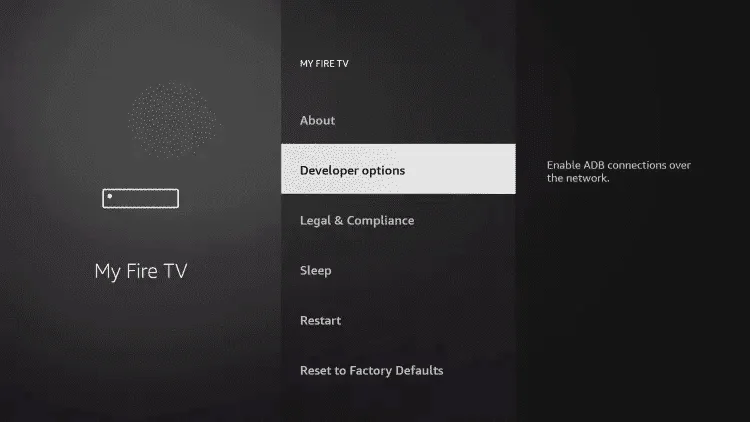
10. Click Install unknown apps.

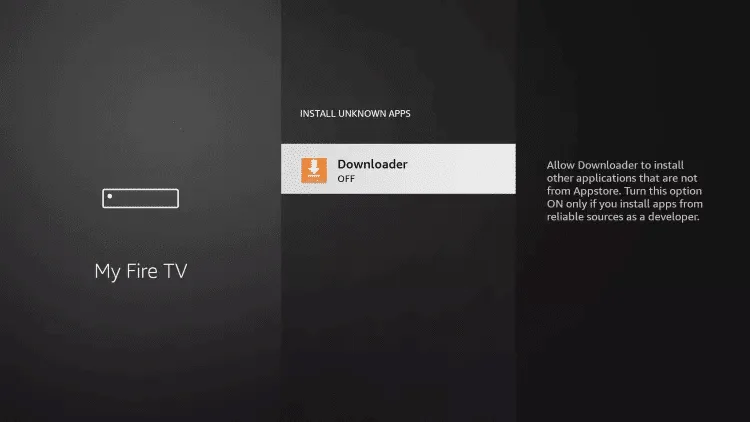
11. Find the Downloader app and click it.
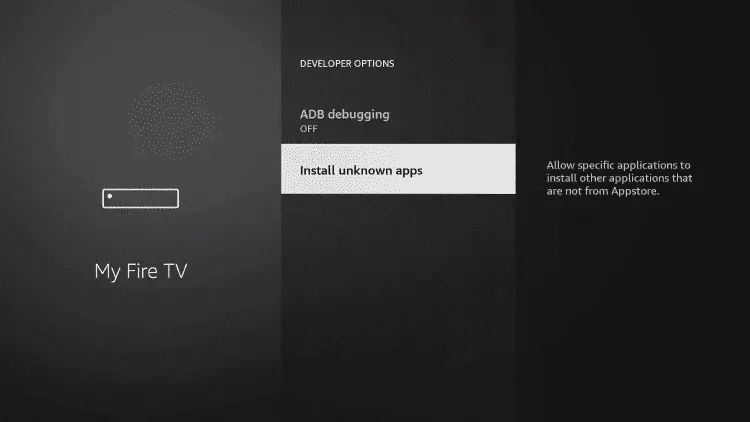
12. This will turn Unknown Sources to On for the Downloader app. This will enable side-loading on your device.
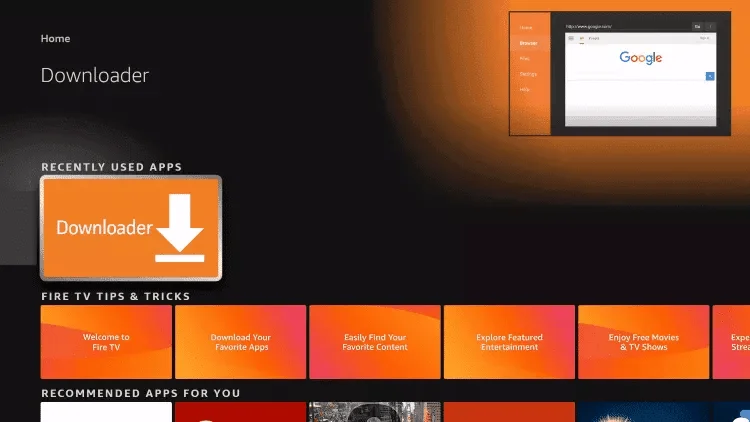
13. Launch Downloader.
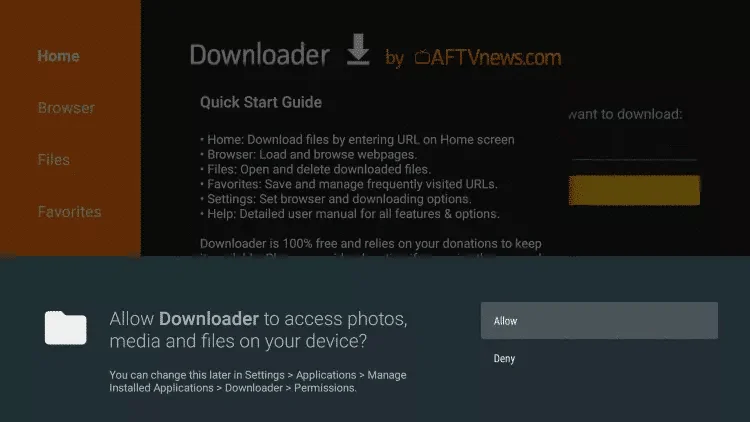
14. Click Allow.
15. Click OK.
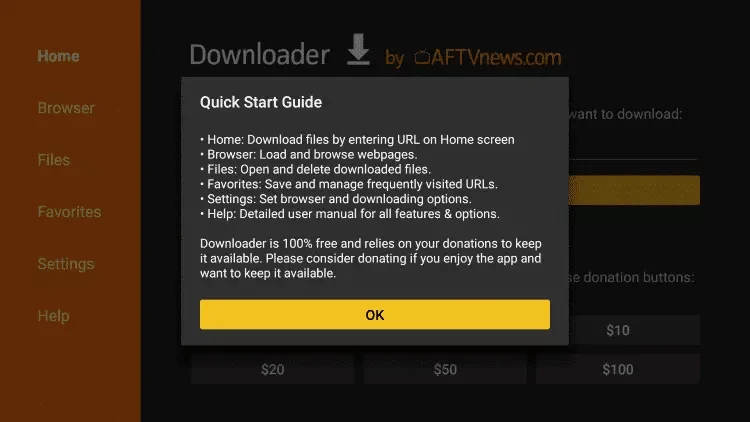
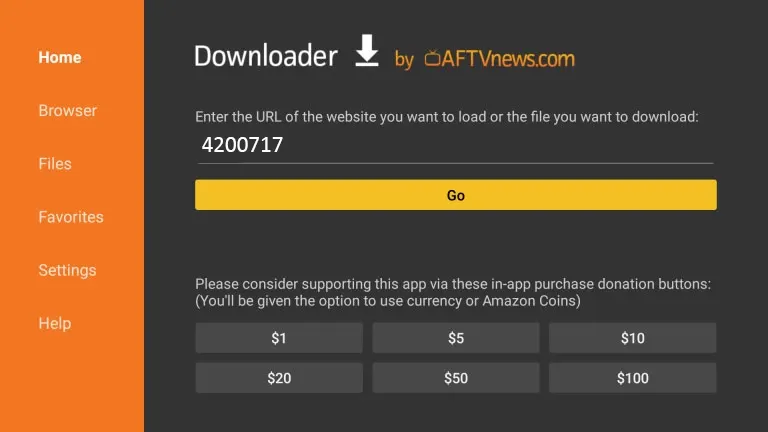
16. Type the following code to install TVORA app
TVORA App Code: 4200717
and click Go.
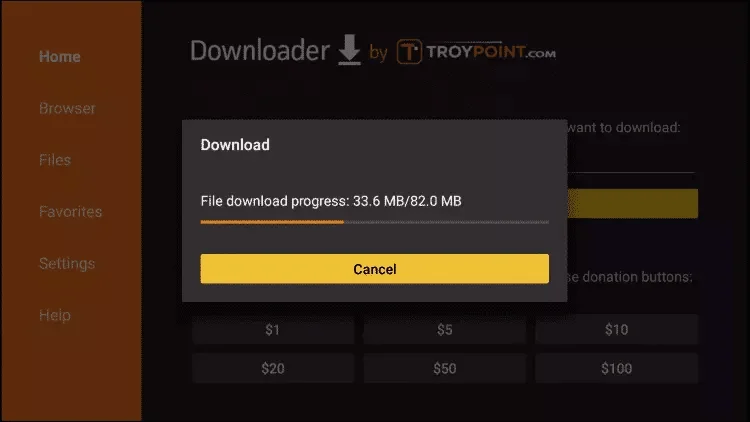
17. Wait for file to download.
18. Click Install.
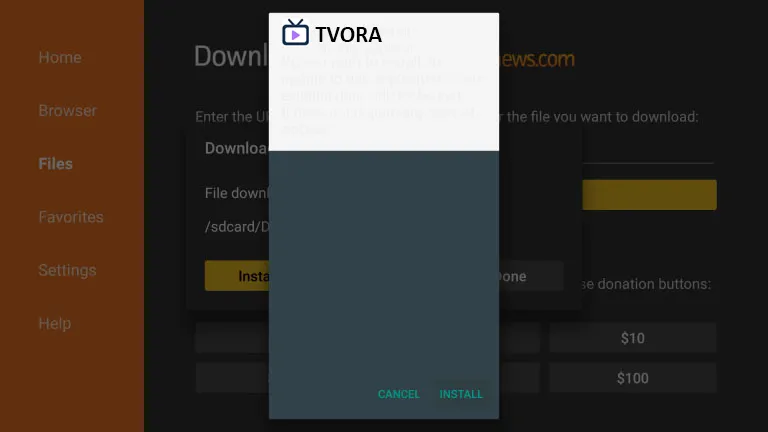
19. Again Click Install if prompted
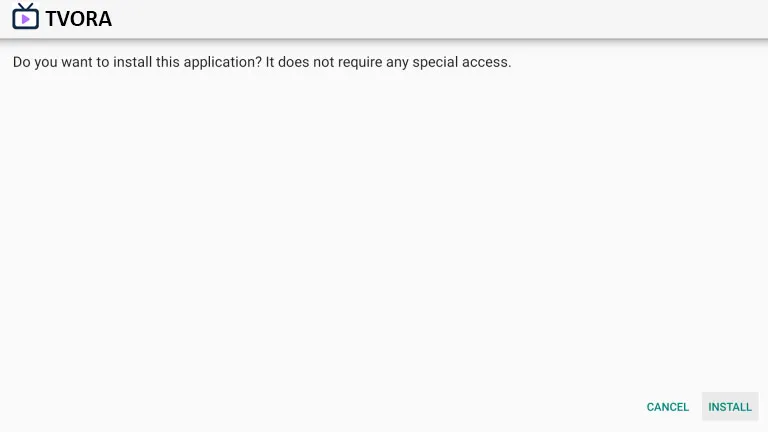
20. Click Install.
21. Open TVORA then select ADD PLAYLIST .
22. Enter the username and password that we sent you via WhatsApp or Email or Chat.
Alternatively you can send use your mac TVORA mac number and we will set it up for you remotely.